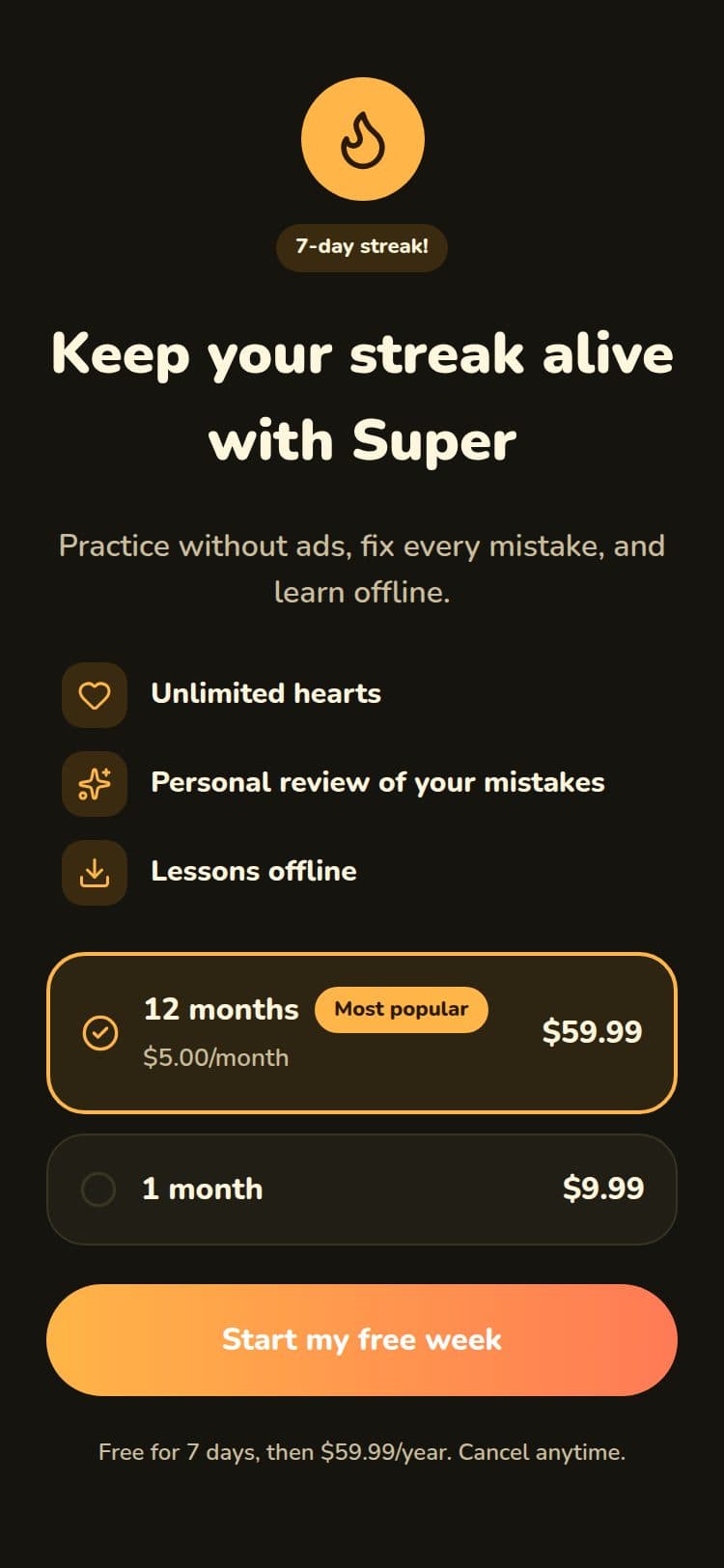
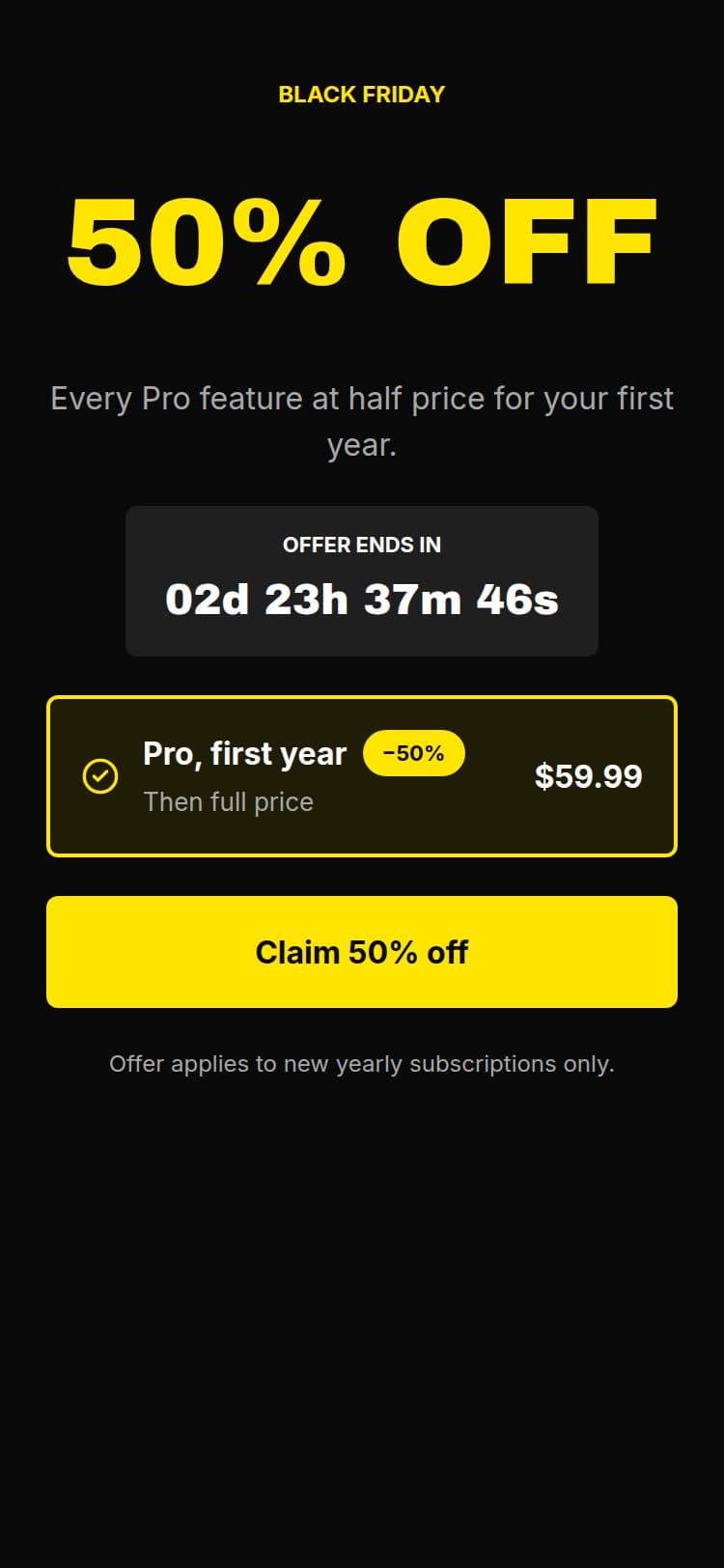
Ship your next upgrade screen without a deploy.


Drawn by the real Web SDK. No deploy.
Miniwall is the conversion layer for subscription products on the web. Design upgrade prompts, sale banners, trial reminders and cancel surveys in a visual editor, then show them on your site with one tag. Your checkout and your prices stay yours.
10,000 views a month free. No card needed. Flat pricing, never a share of revenue.
Monday to Thursday
Your best conversion moments are stuck in the release queue
The screens that decide whether someone upgrades, stays or leaves are the ones nobody has time to change.
Miniwall moves all of it into a dashboard, not a codebase.
A new banner is a ticket
Changing a line on a sale banner means a ticket, a pull request and a deploy. So it waits.
One screen, no answers
You have shipped one upgrade screen, so you can't know whether another would sell better.
The moments that matter stay generic
Trial reminders and cancel flows are a confirm button, because building the real thing is a sprint.
Mon
Ticket
Tue
Pull request
Wed
Waiting
Thu
Deploy
Live
Tuesday
From editor to your site in three steps
Your site asks for a screen by name. What it shows, and when, is decided in the dashboard, so changing it never needs a release.
Design it
Pick a template or start blank: plan cards, buttons, questions, countdowns, on a phone-sized canvas.
Choose how and when it shows
Popup, full screen, banner or slide-in. On page load, after 10 seconds, on scroll, on pages you pick. Set it per placement.
Add the tag once
Paste the script and call
startAutoPlacements(). Pass prices by plan ID and run your own checkout when someone taps buy. After that, changes go live from the dashboard.Miniwall never sees the money.
<script src="…/ui-kit.iife.js"></script>
<script>
UIKit.configure({ apiKey: 'pk_...' });
UIKit.startAutoPlacements({
  products: {
    monthly: { price: 9.99, currency: 'USD', period: 'month' },
    annual: { price: 59.99, currency: 'USD', period: 'year' },
  },
  onPurchase: ({ packageId }) =>
    startCheckout(packageId),
});
</script>
Prefer React or a web component? Both are supported.
Every moment
A screen for every moment someone decides
Pick the screen, pick how it appears, pick when. Change any of it later without a release.
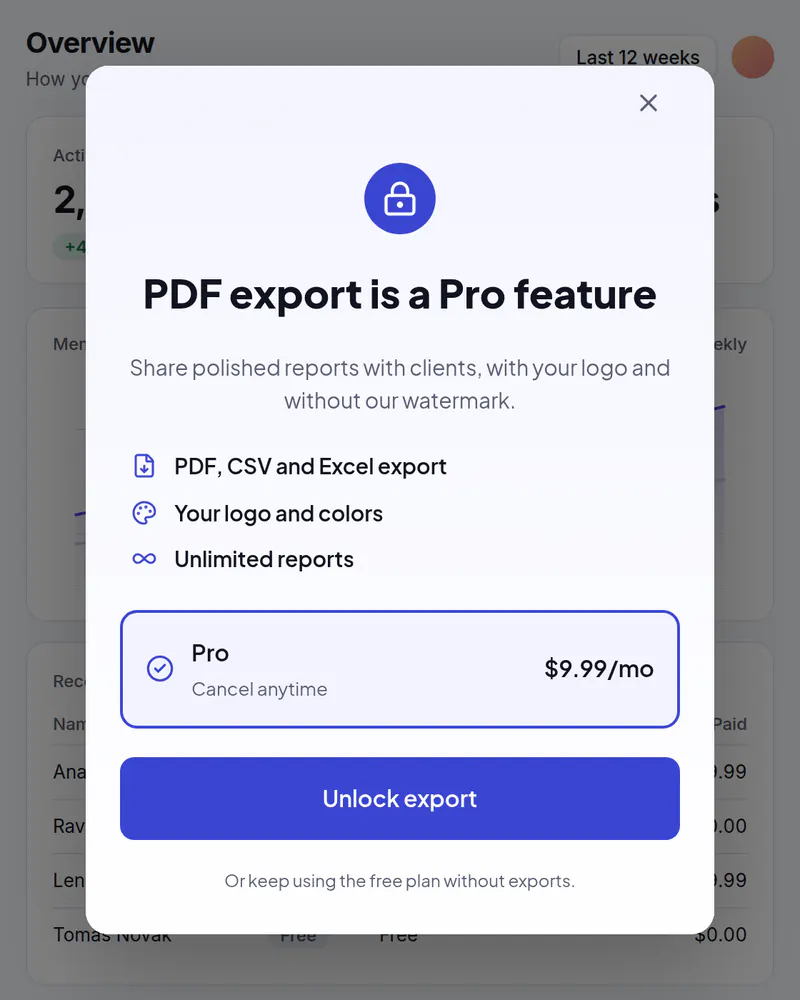
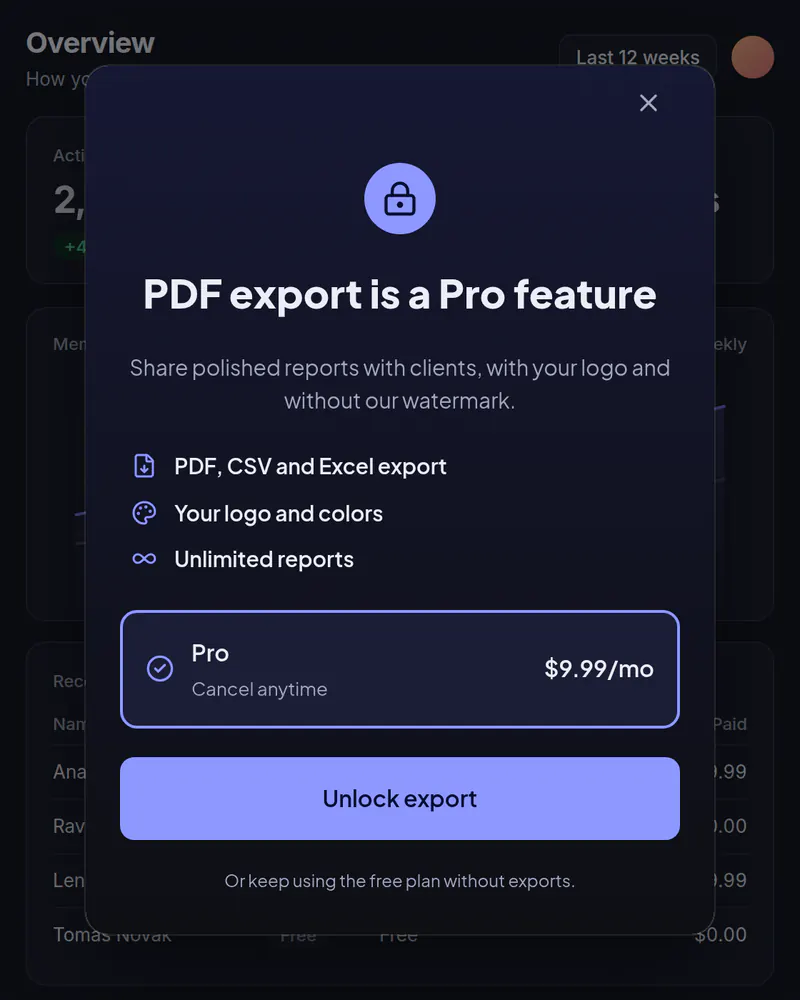
Popup
Upgrade gate
Open it when someone hits a limit or taps a locked feature, with your plans and prices filled in.
Template: Feature Gate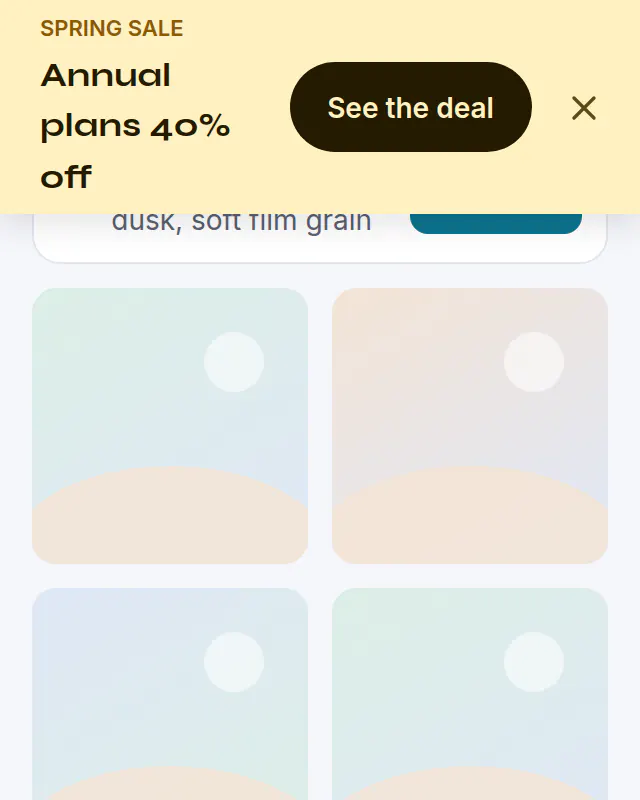
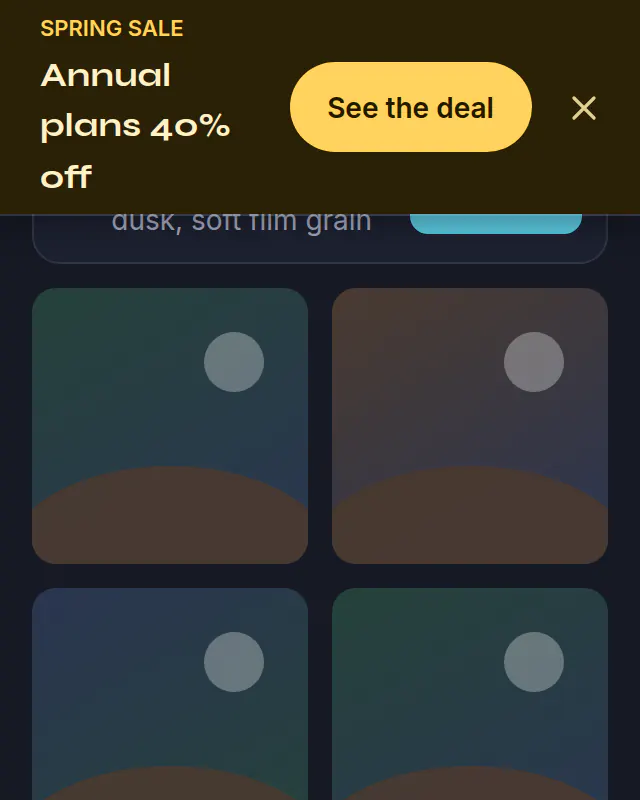
Banner · top
Sale banner
A bar across the top of your site for a weekend sale. Schedule it Friday to Monday and it switches back on its own.
Template: Promo Bar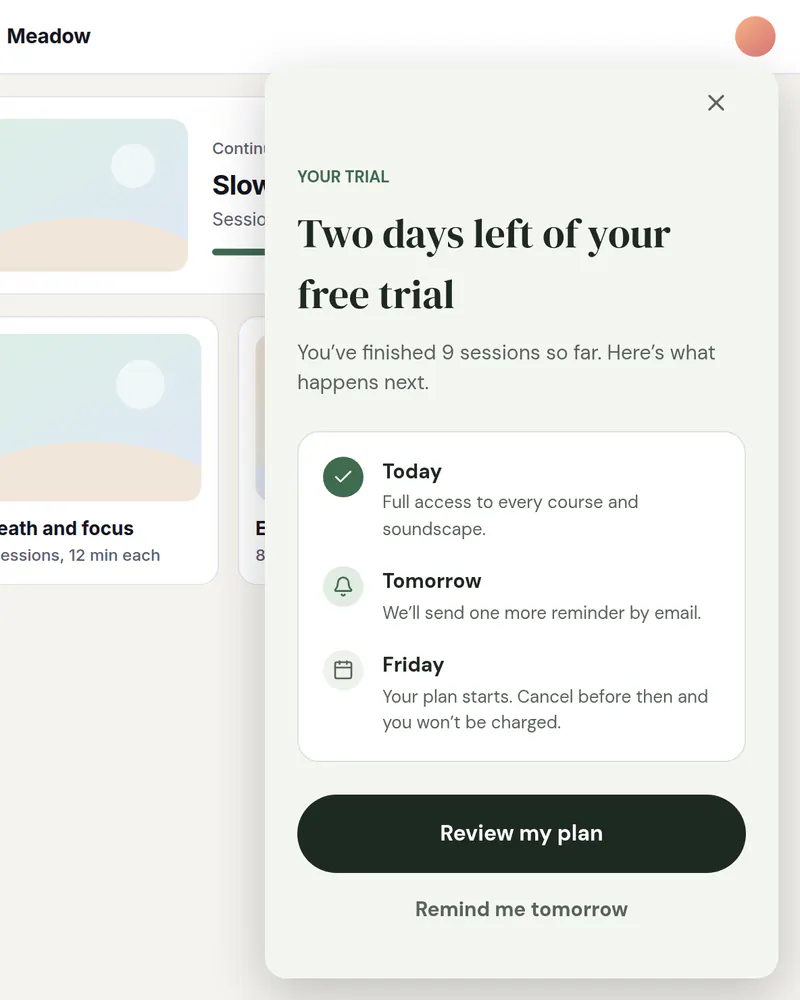
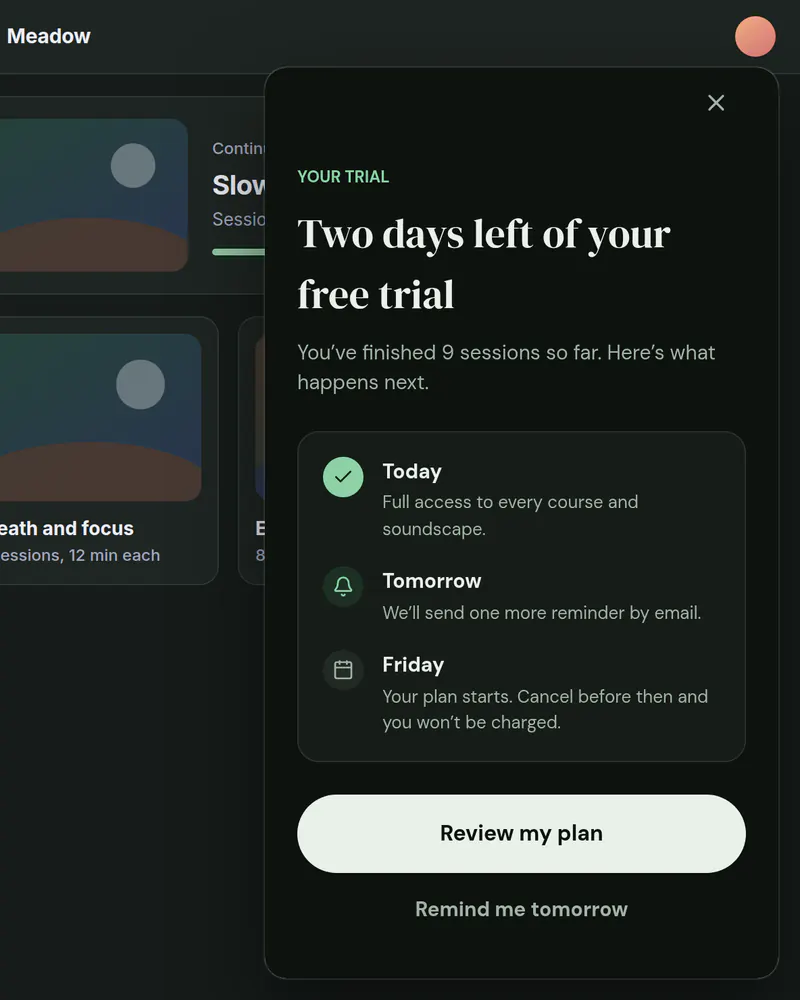
Slide-in
Trial ending
A card in the corner, or a bottom sheet on phones, that nudges people before their trial runs out.
Template: Trial Ending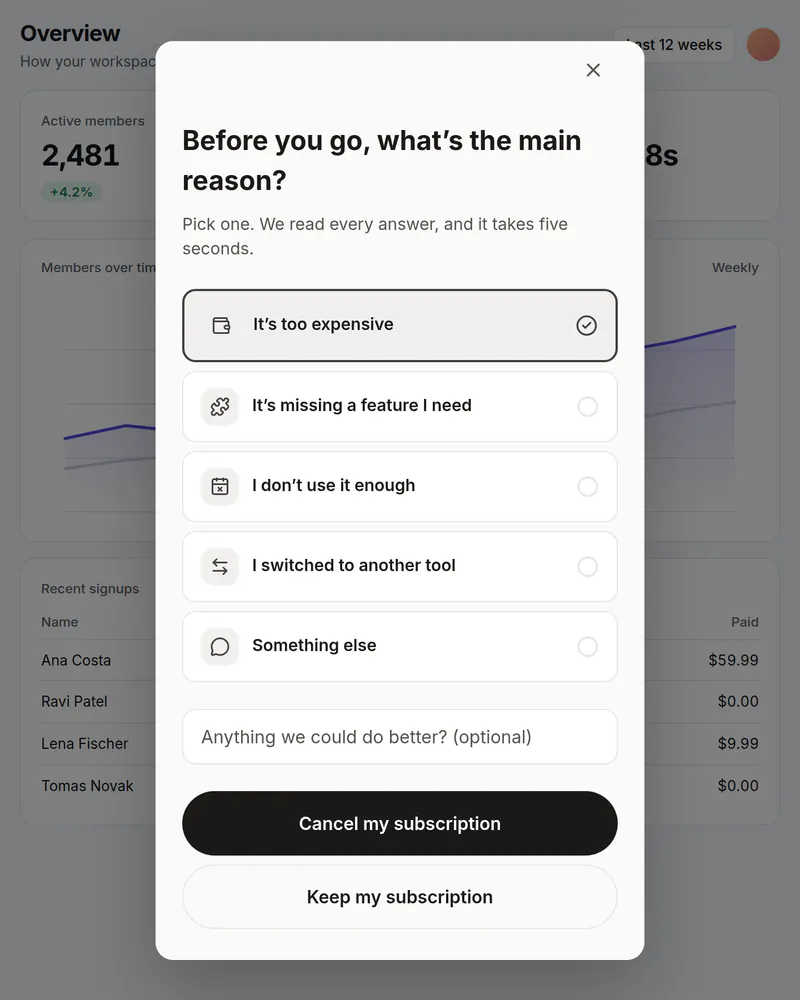
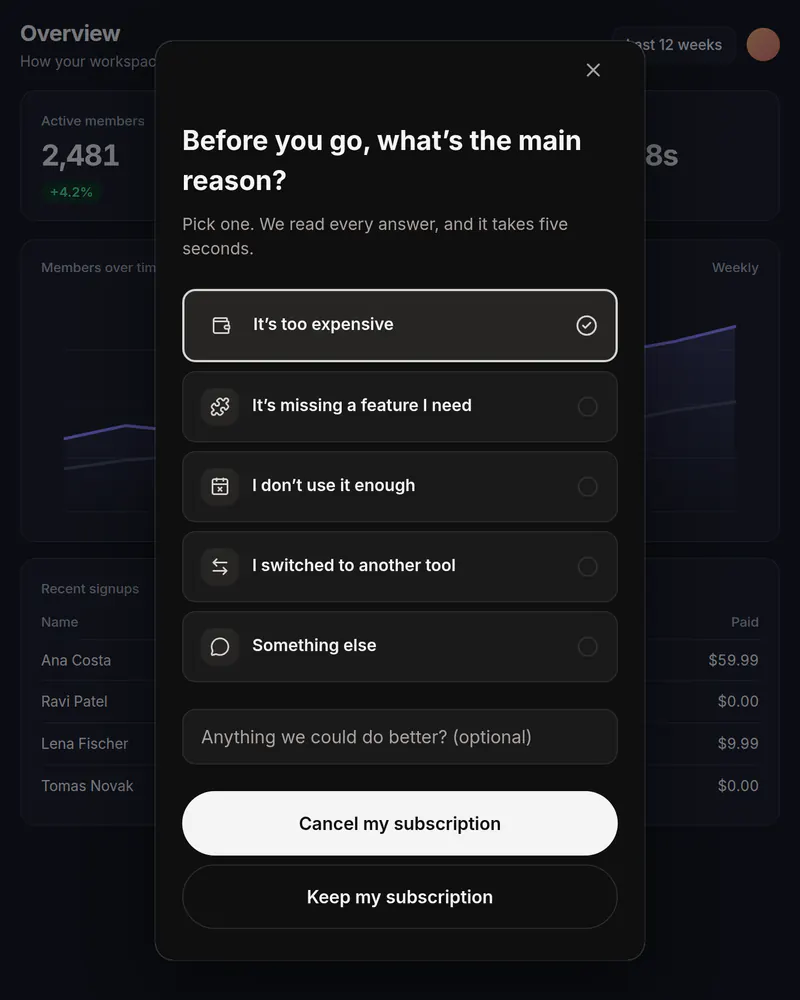
Popup · several steps
Cancel survey
Ask why they're leaving. Each answer can lead to a different screen, and you see which reasons come up most.
Template: Cancel Survey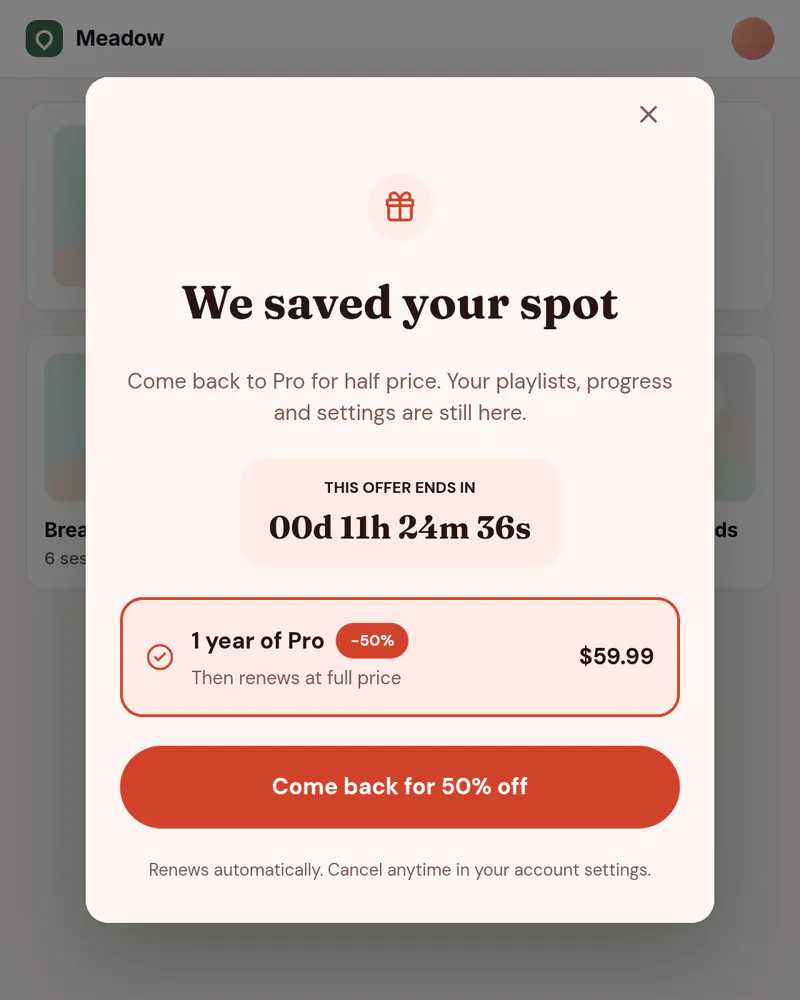
Banner or popup
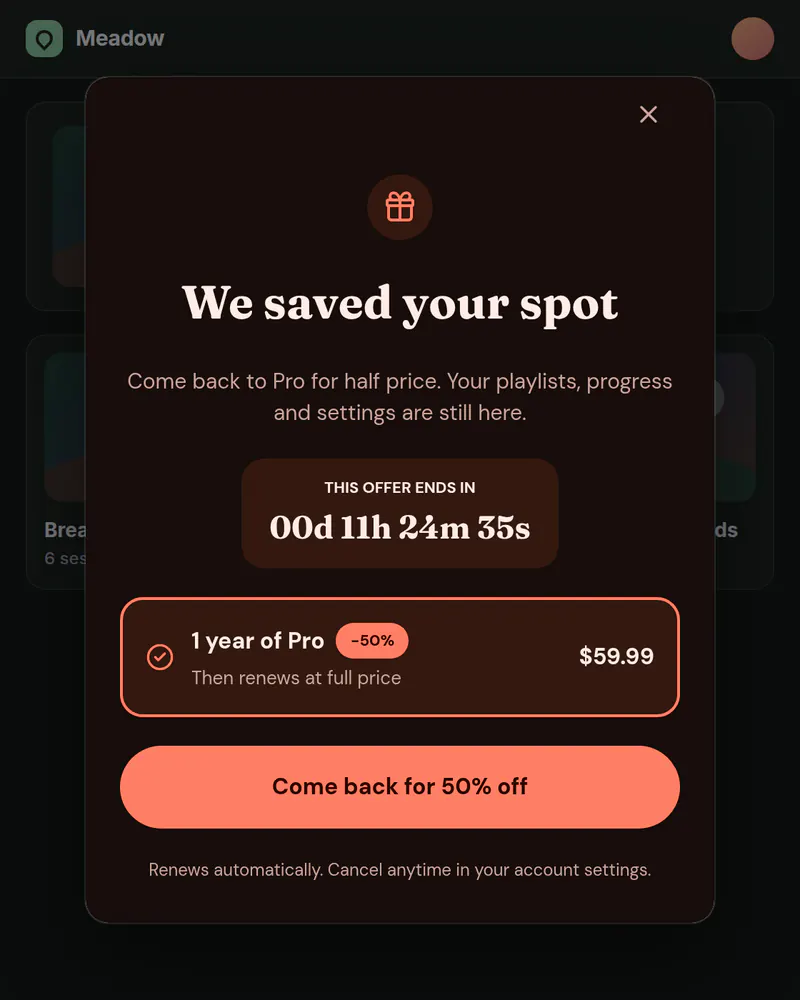
Win-back
Welcome back people who cancelled with an offer, shown to the right people.
Template: Win-back 50%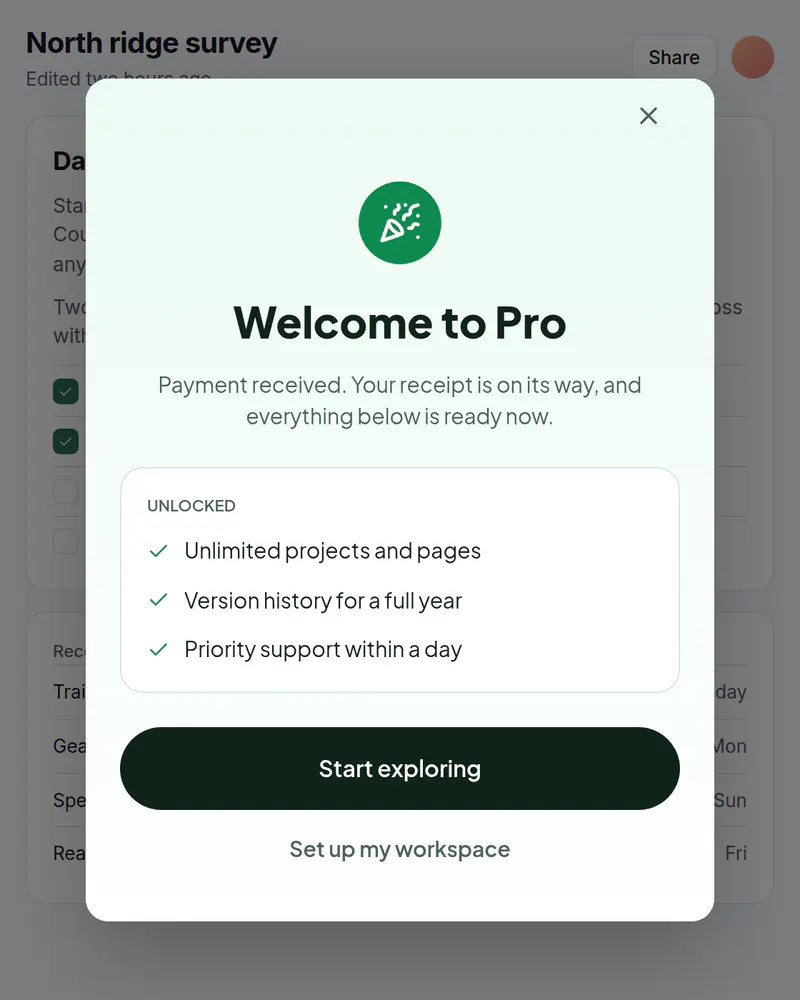
Popup
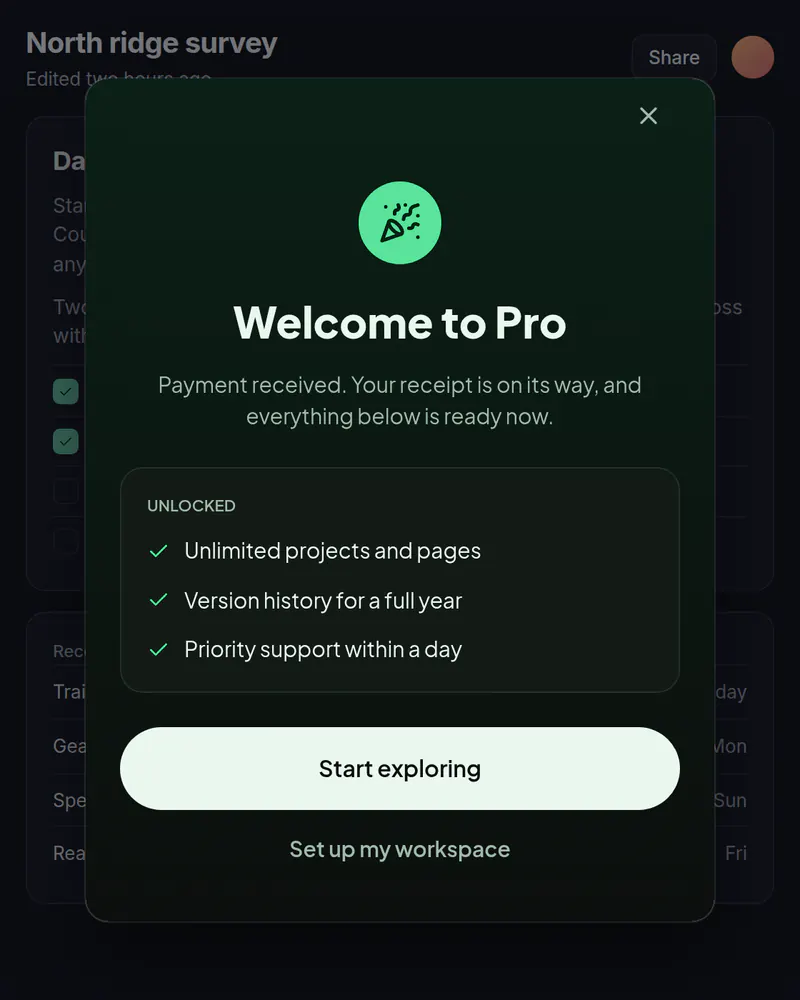
Welcome after purchase
Confirm the purchase and point to the first thing to do.
Template: Welcome to Pro
Also in the library: onboarding flows, permission prompts, what's new, and rating requests.
See every momentWhen it shows
Show it when the page loads, after a few seconds, when someone scrolls, when they're about to leave (desktop), or only on pages you choose.
- When the page loads
- After a few seconds
- When someone scrolls
- About to leave (desktop)
- Only on pages you choose
About to leave doesn't fire on touch screens. Use a delay or scroll on phones.
Scheduling is on Indie and up. Audiences are on Pro and up.
Start freeEditor
An editor your growth team can use on its own
Ship a new screen on a Tuesday afternoon without opening a pull request.
Layers, not code
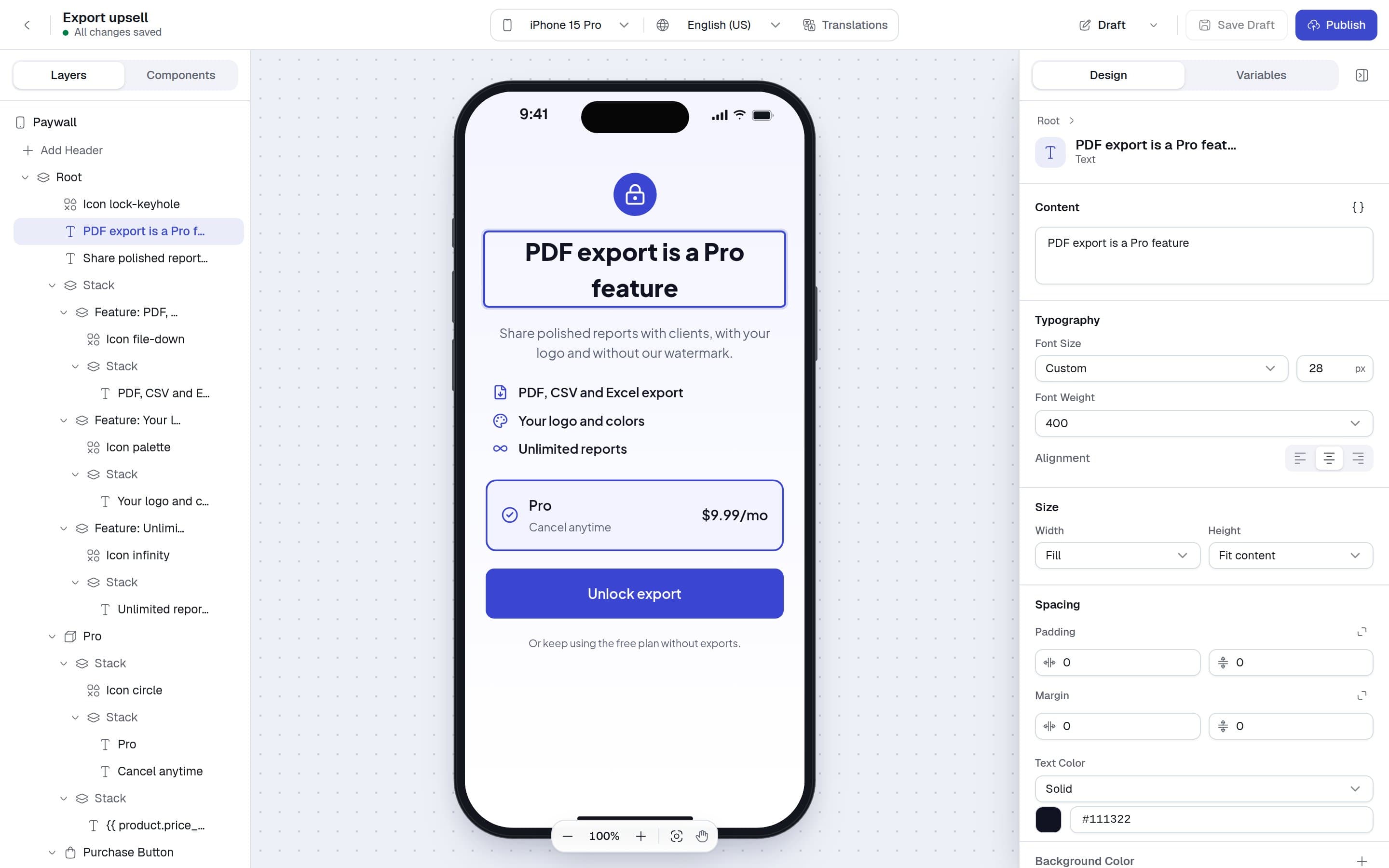
Stacks, text, icons, plan cards and buttons. Click on the canvas, change it in the panel.
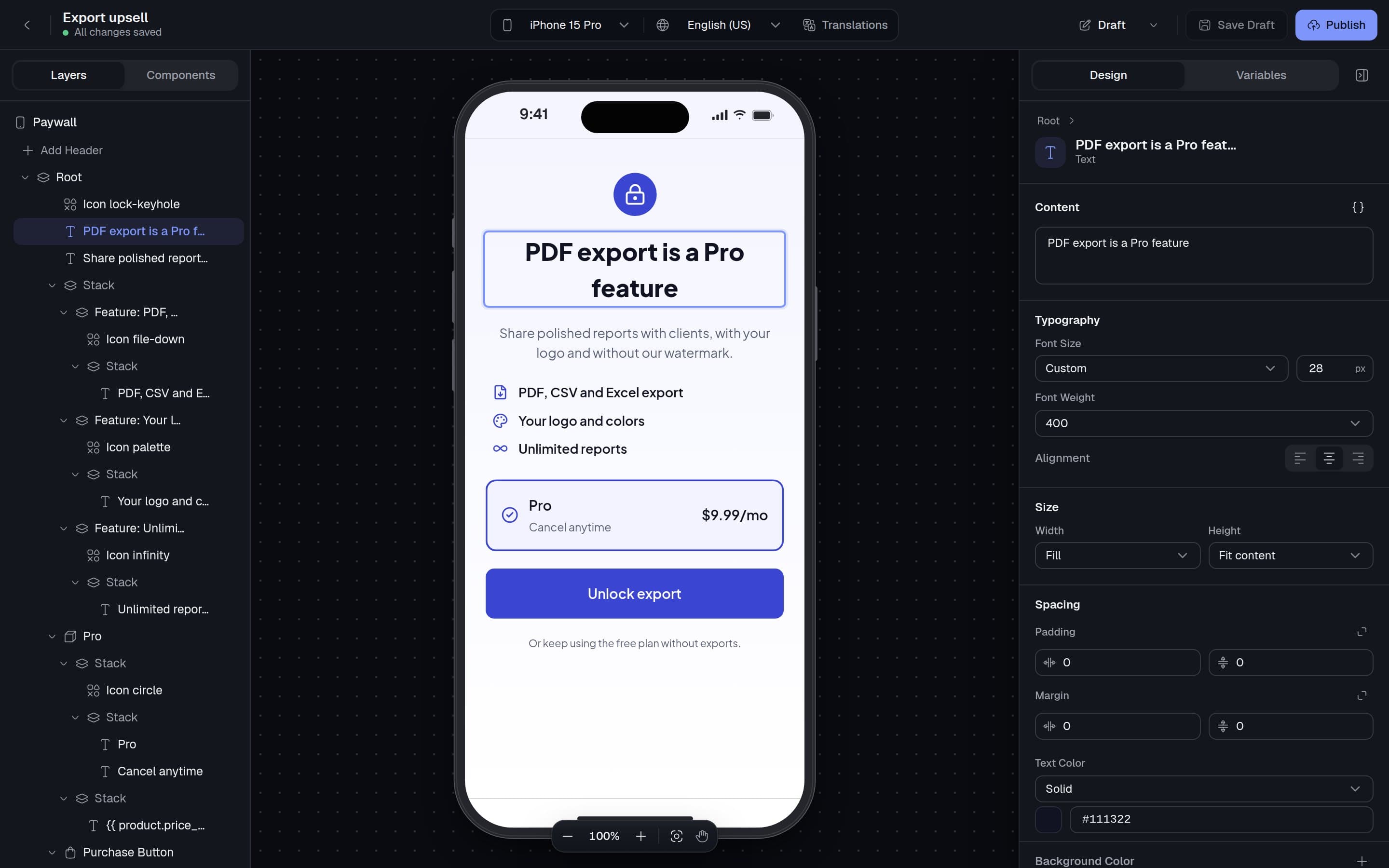
Real typefaces, light and dark
Templates bring their own fonts and a dark version of every color. The screen follows your visitor's setting.
Prices fill themselves in
Write
{{ product.price_per_month }}once. Each plan card shows its own price, trial and discount.Questions and flows
Add single choice, multiple choice and text questions, and link screens into a flow. Answers go to your code.
Templates
Start from a design, not a blank screen
Paywalls, onboarding, permission prompts, announcements, ratings, cancel surveys and trial reminders. Each comes in light and dark. Change any word, color or font in the editor.
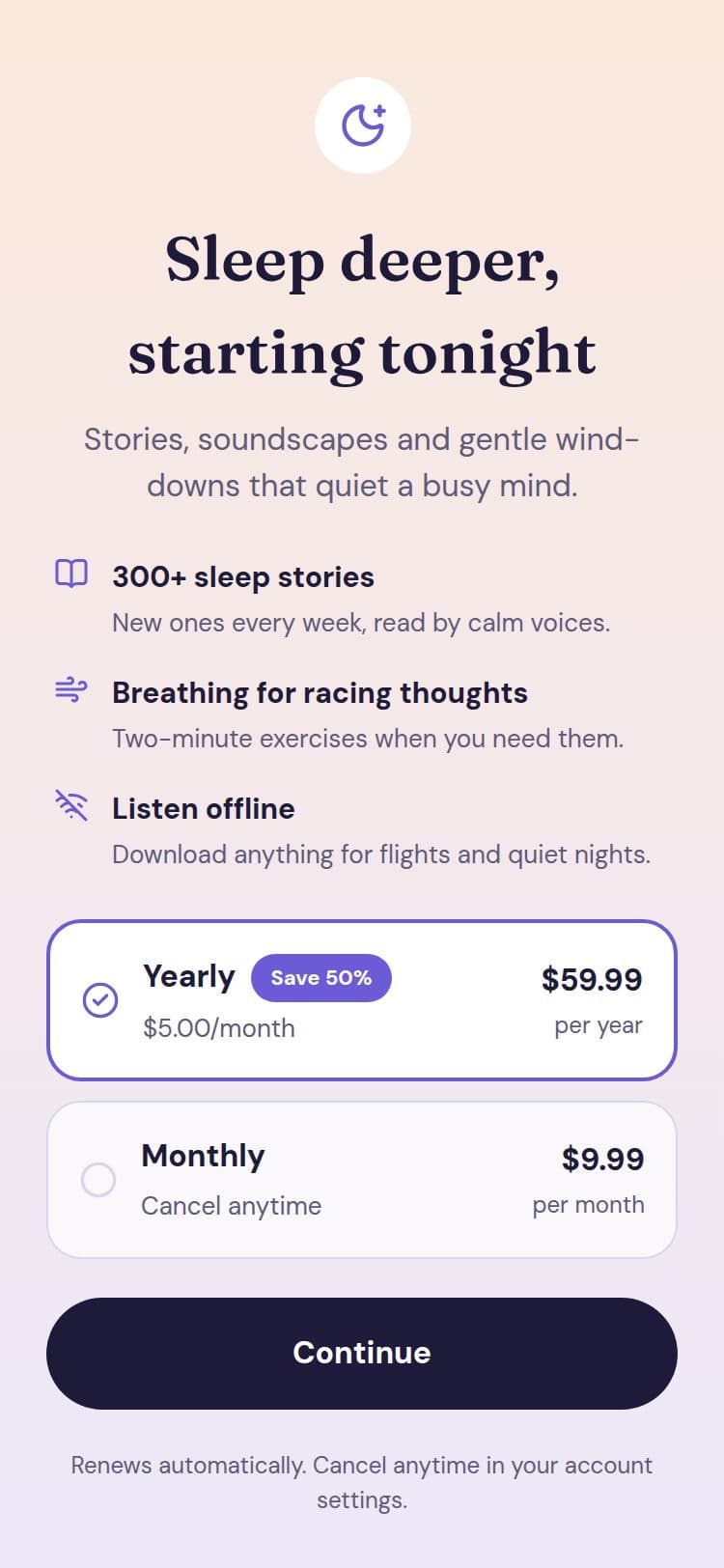
Night Sky
Sleep · Subscription
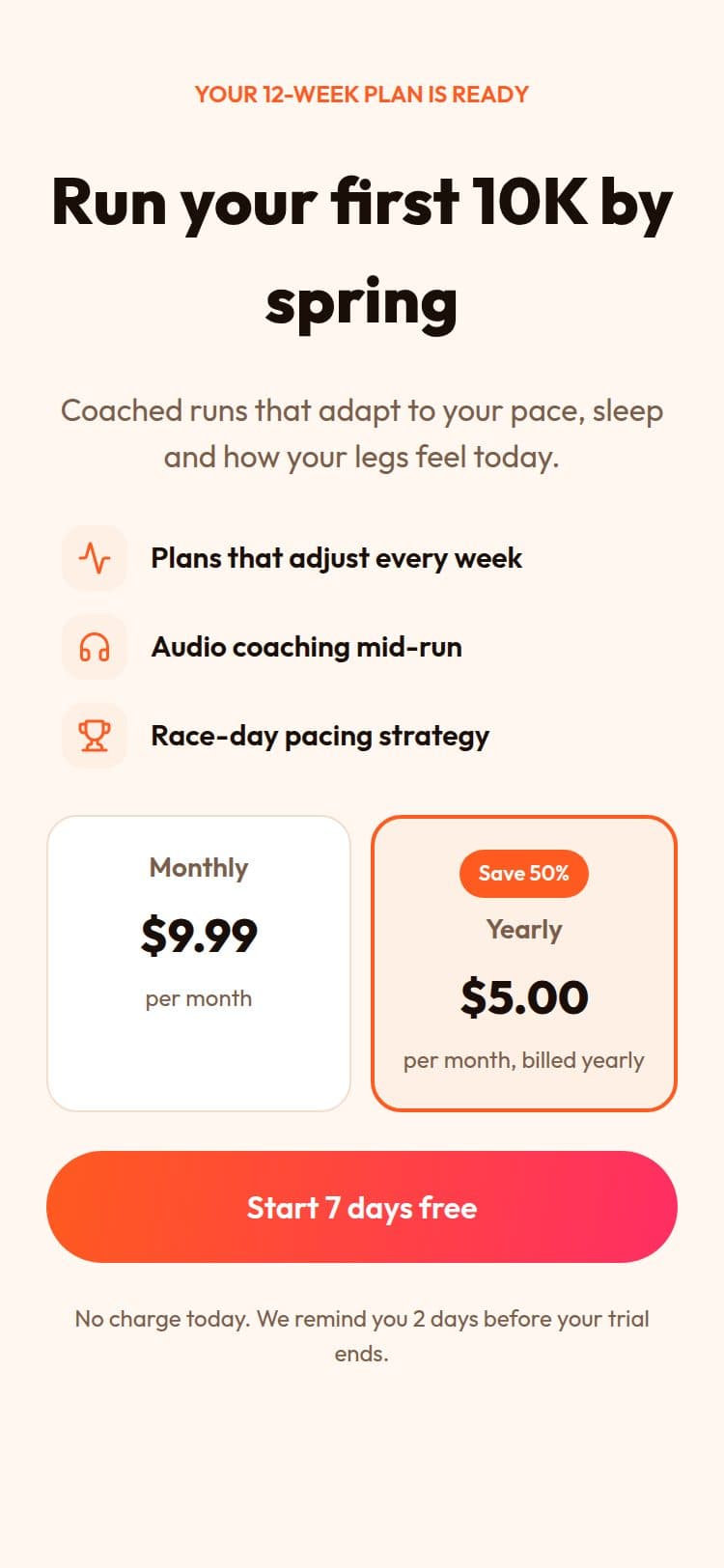
Morning Run
Fitness · Free trial
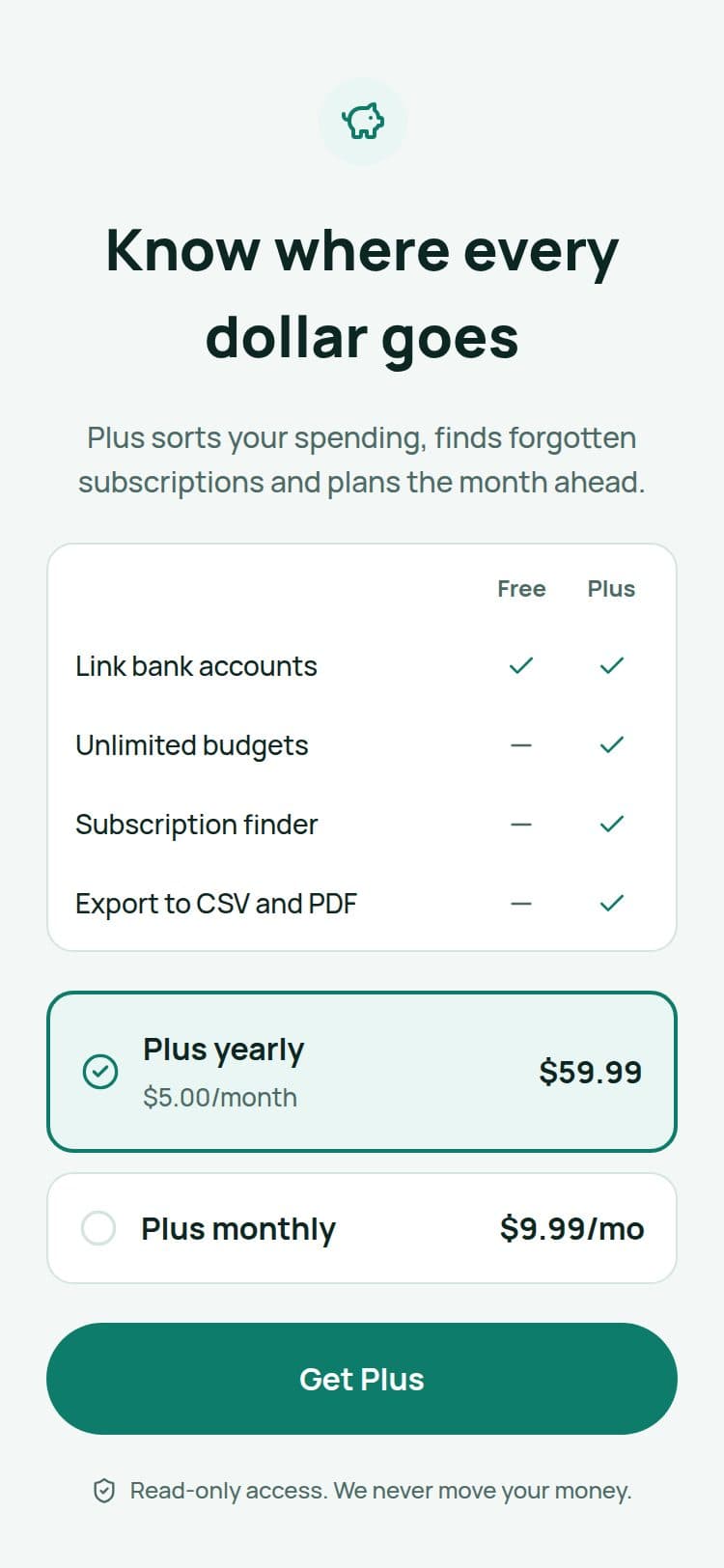
Calm Money
Finance · Free vs Plus
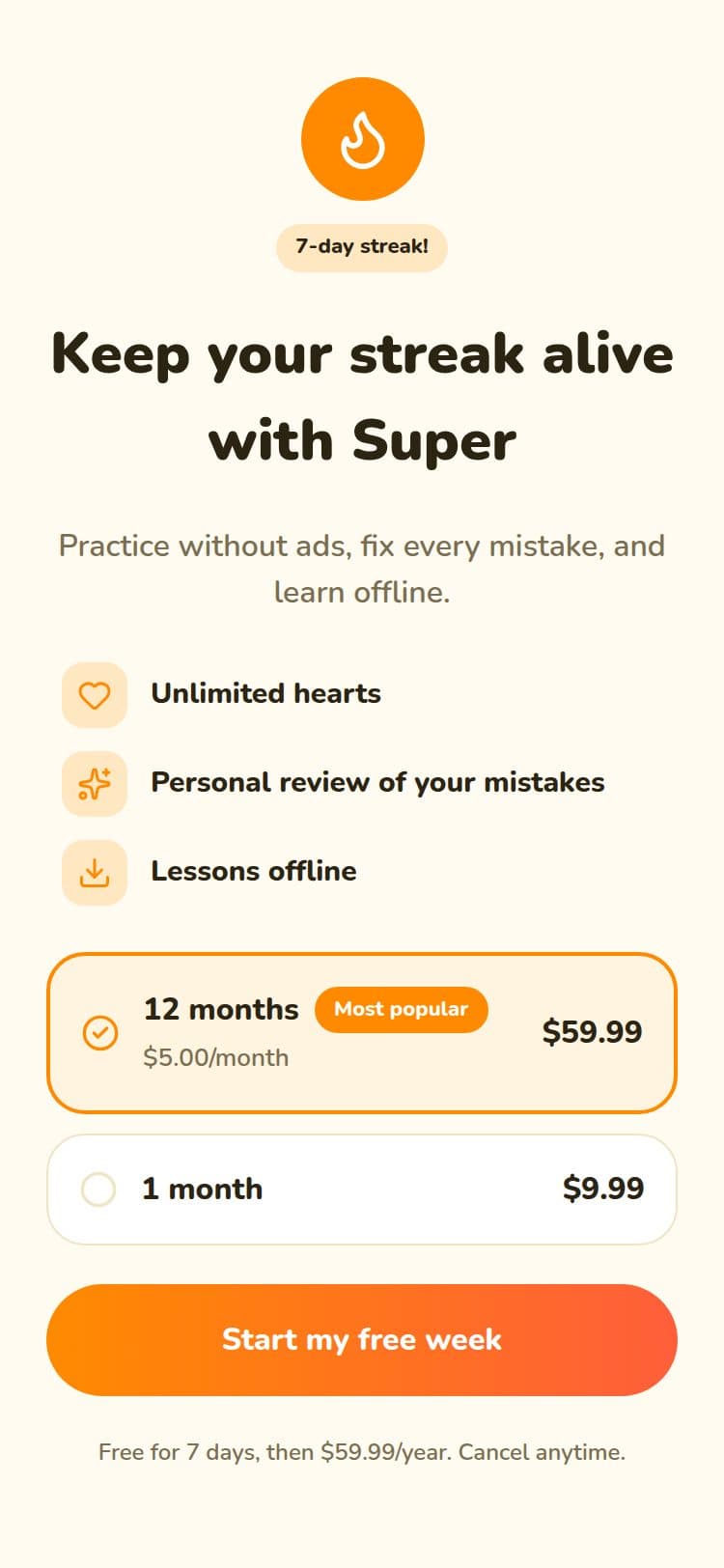
Streak
Learning · Free trial
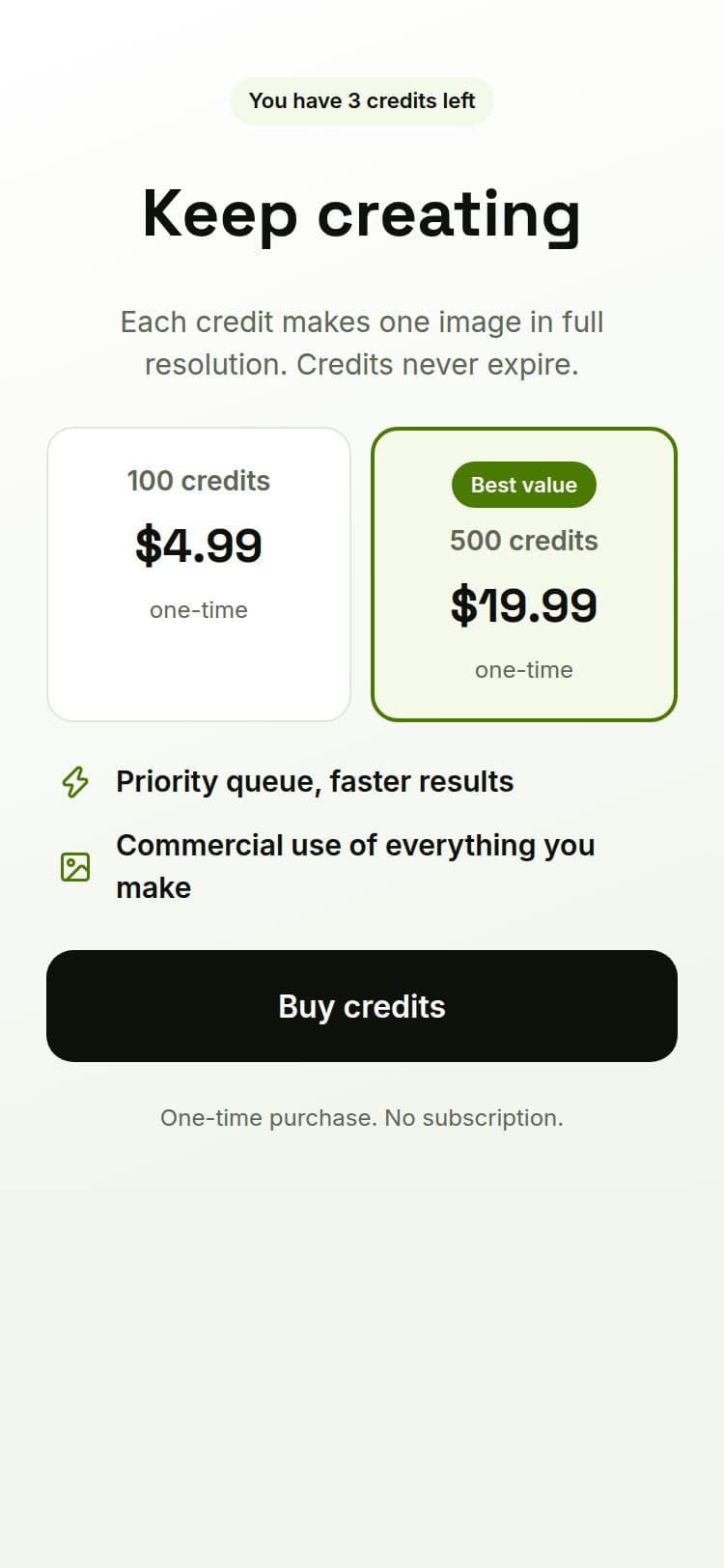
Credits Pack
AI tools · Credits
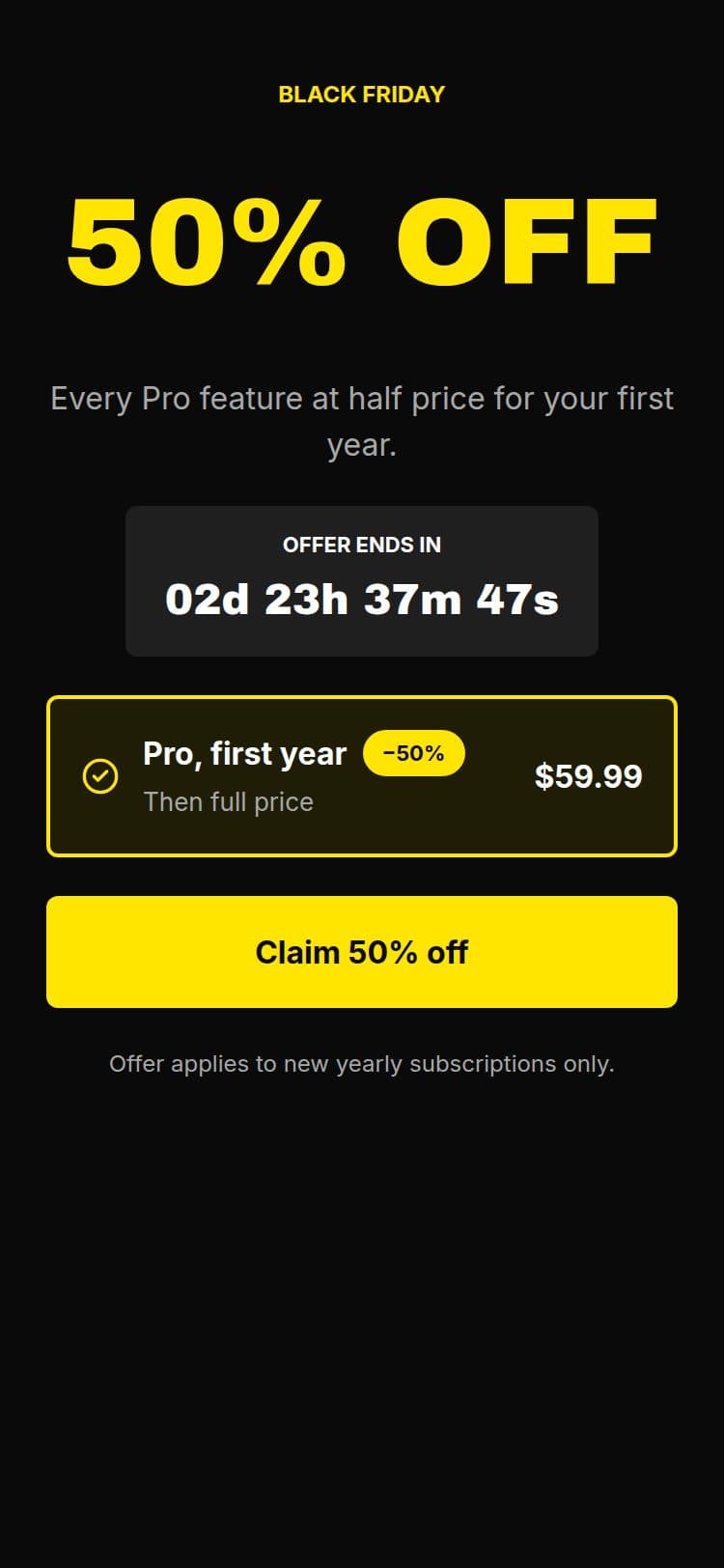
Black Friday
Sales · Countdown sale
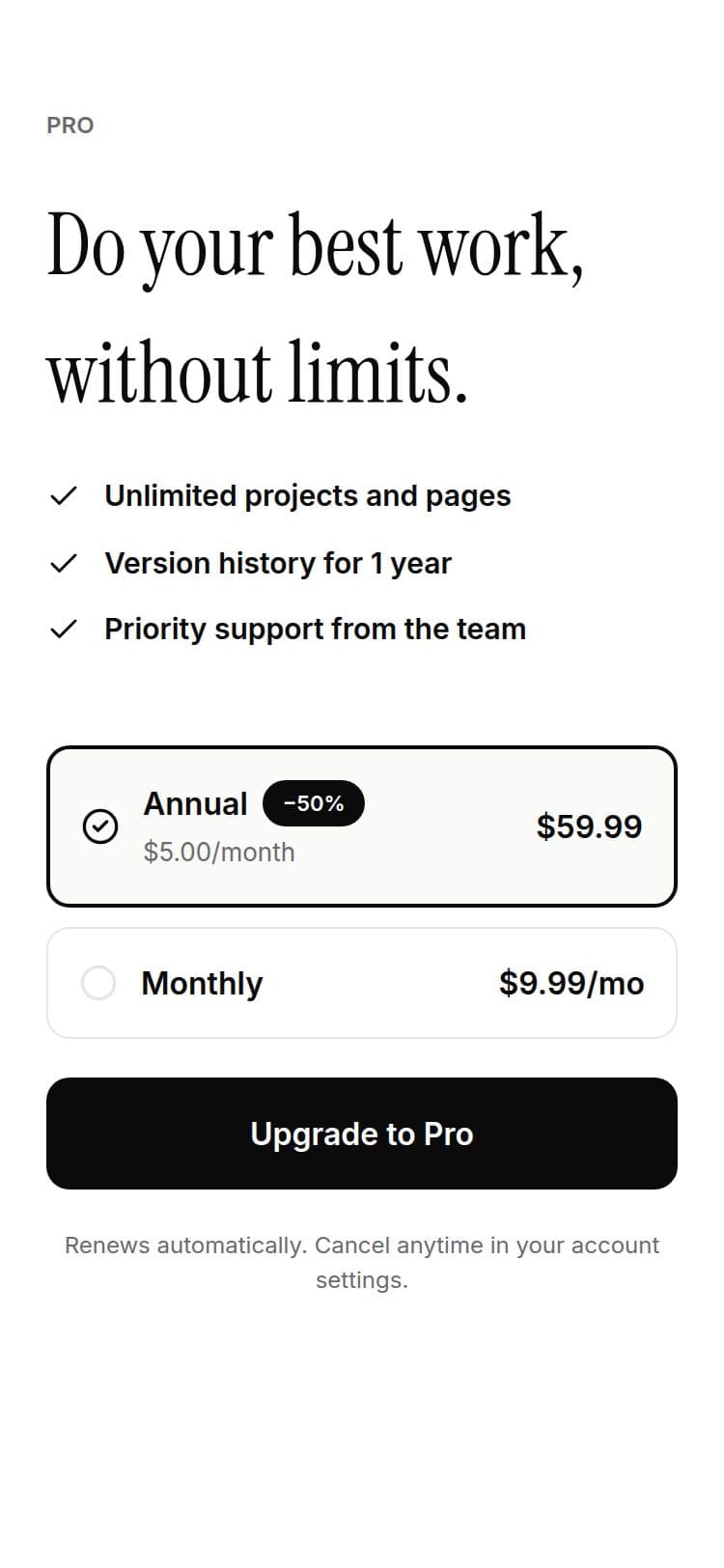
Minimal Pro
Productivity · Subscription

Macro Tracker
Fitness · Subscription
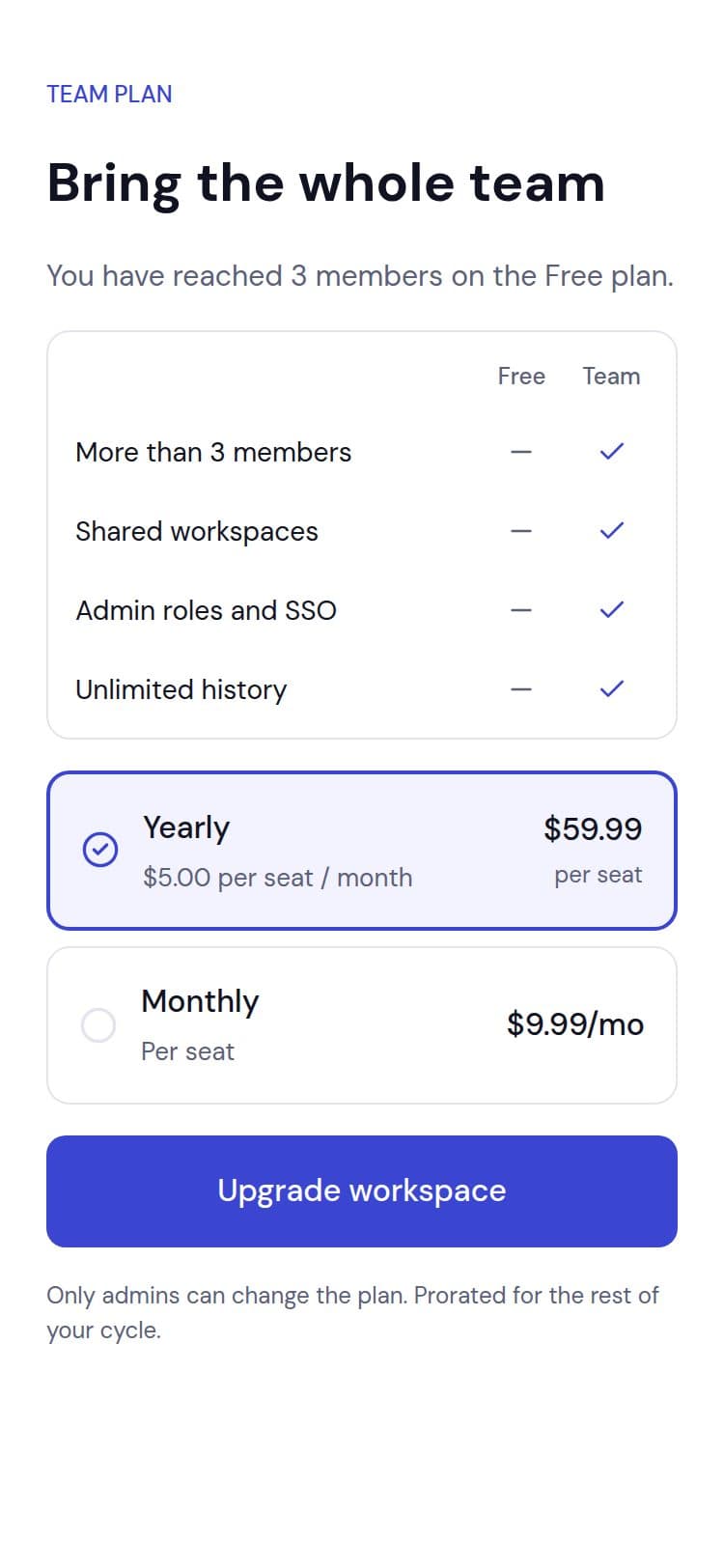
Seat Upgrade
SaaS · Per-seat plan
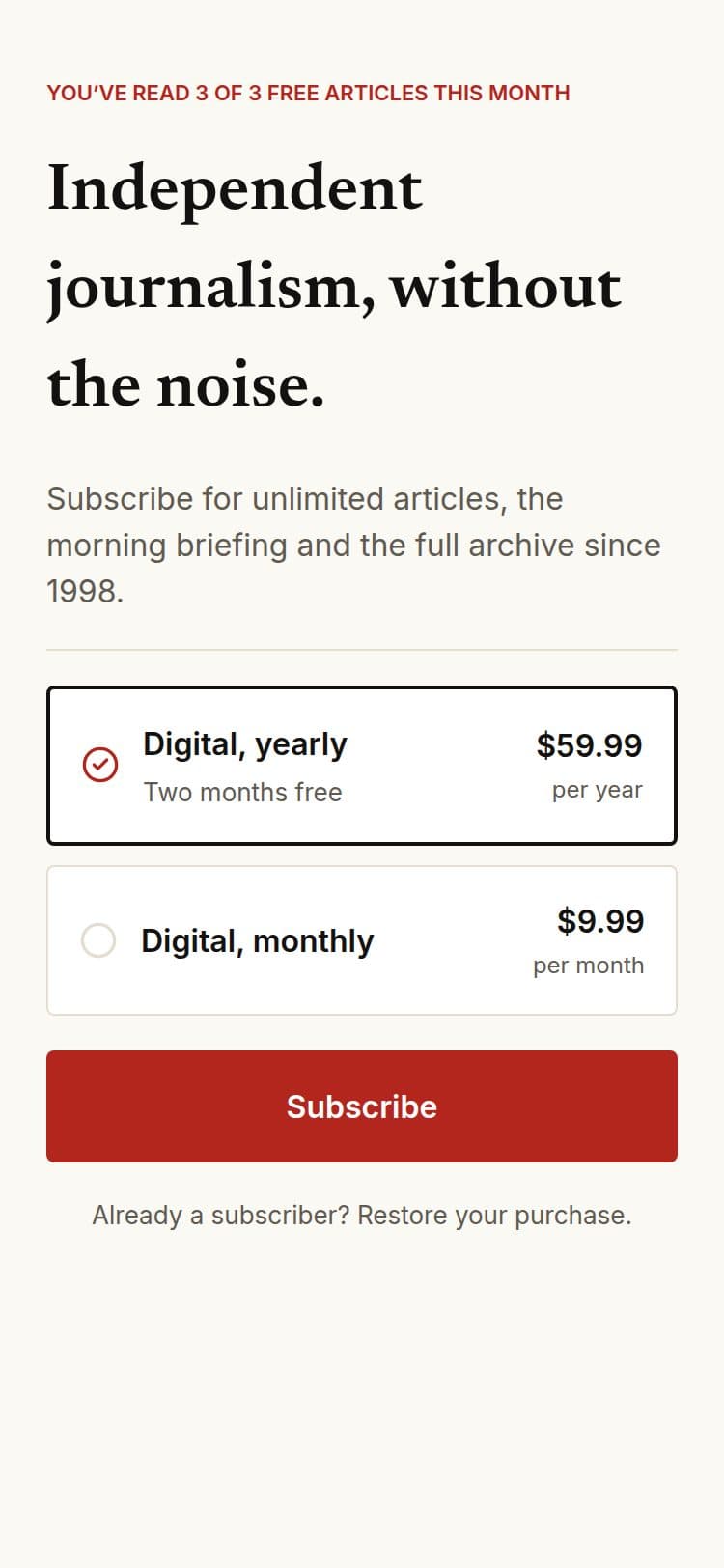
Metered Article
News · Reader paywall
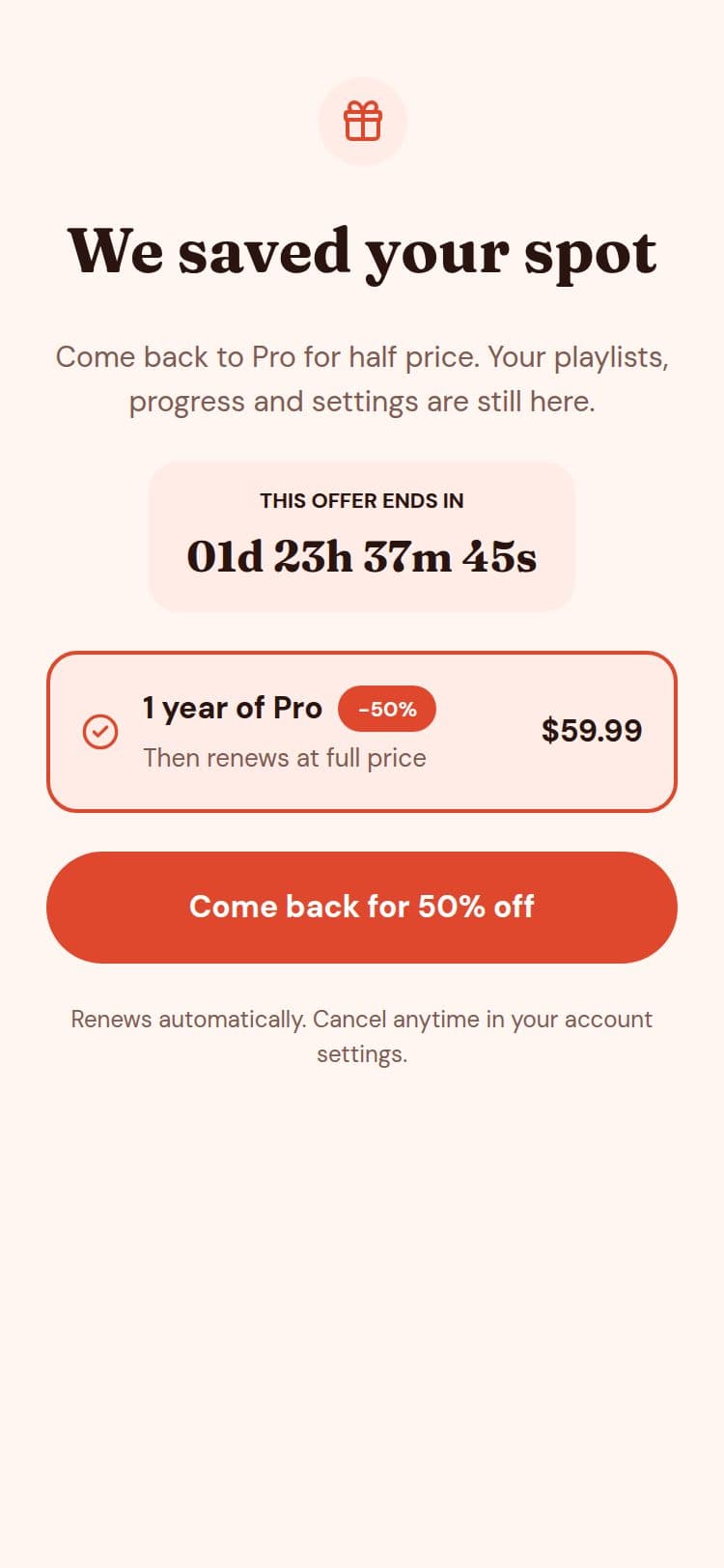
Win-back 50%
Sales · Win-back offer
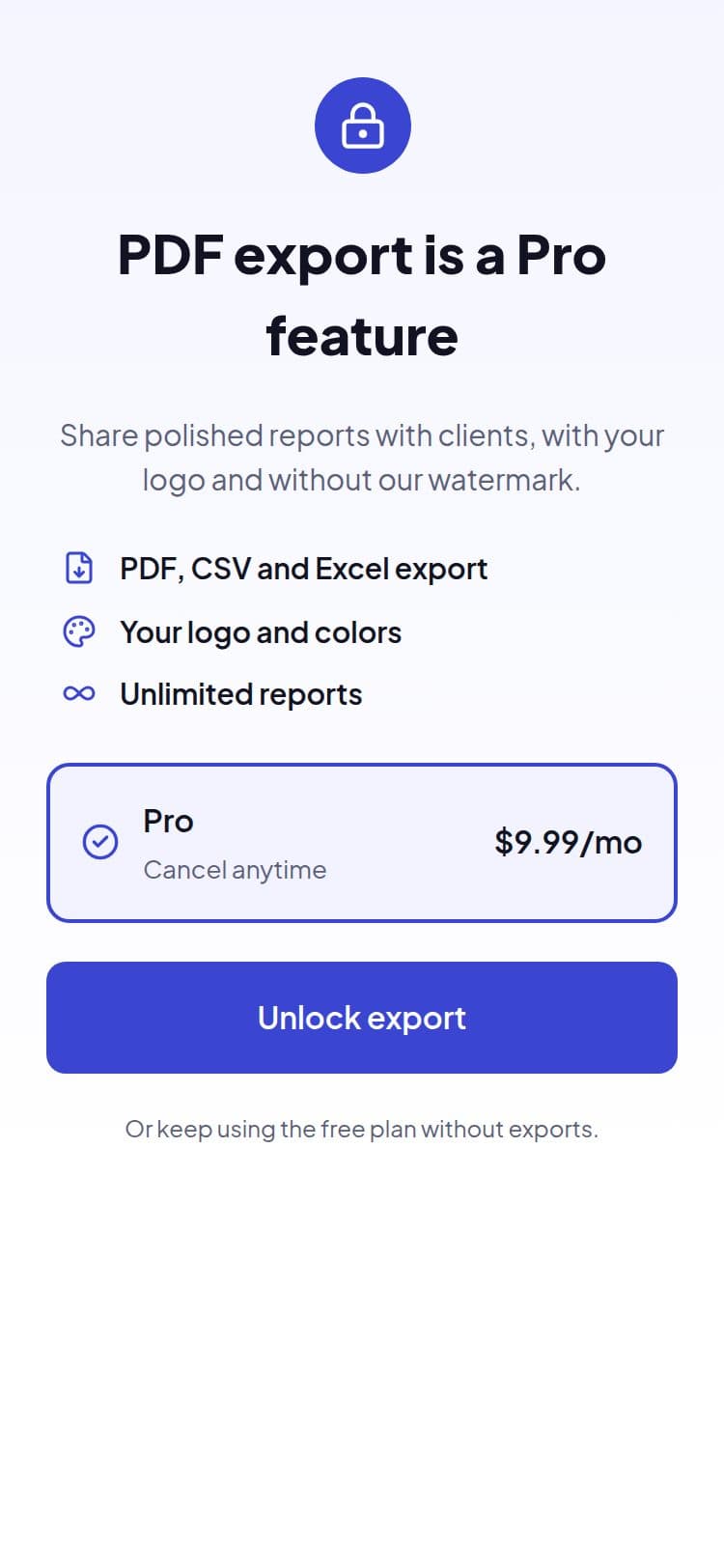
Feature Gate
SaaS · Feature upsell
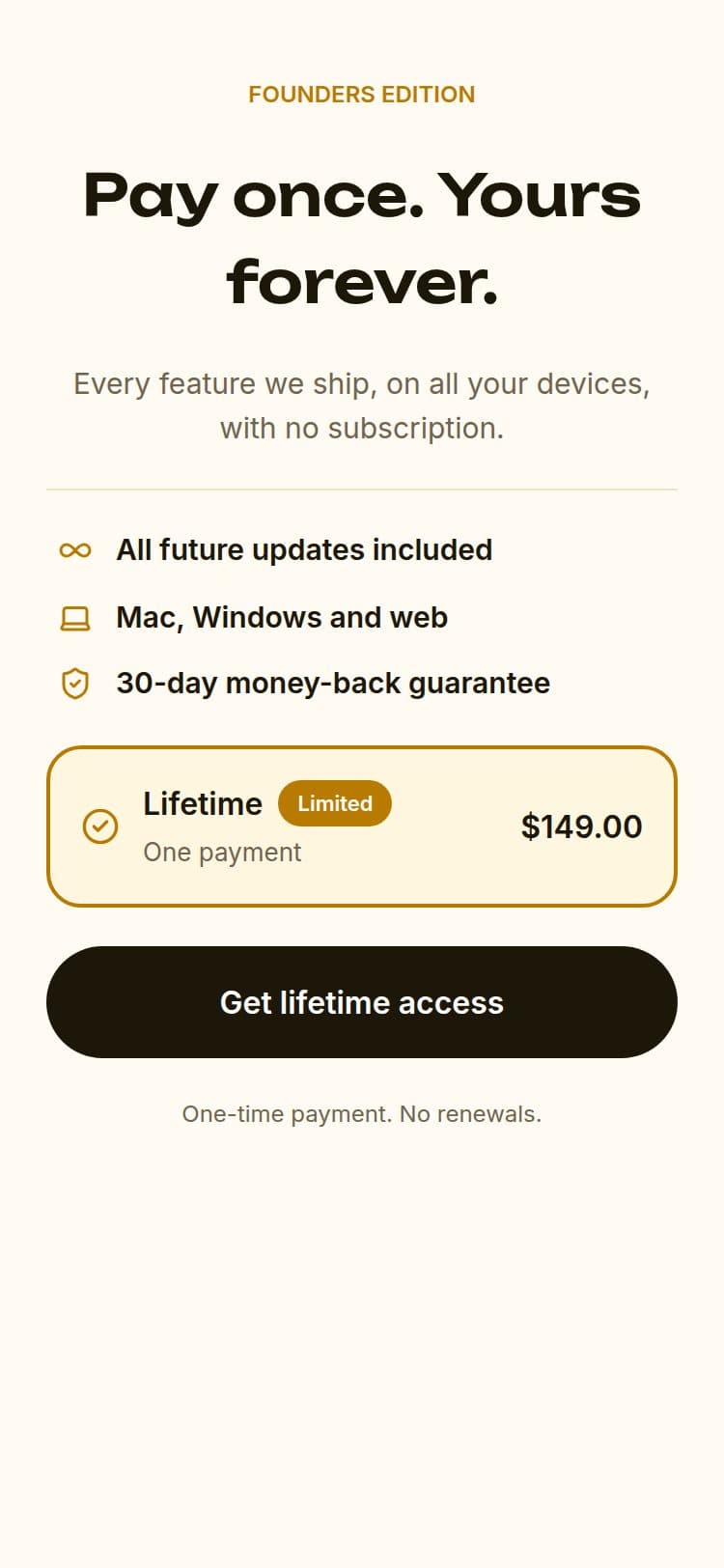
Lifetime Deal
Productivity · One-time purchase
Shown here: paywalls, by industry. The library also has the other screen types.
Use a template freeTest and measure
Test it, aim it, measure it
Find out what moves people, then keep that version.
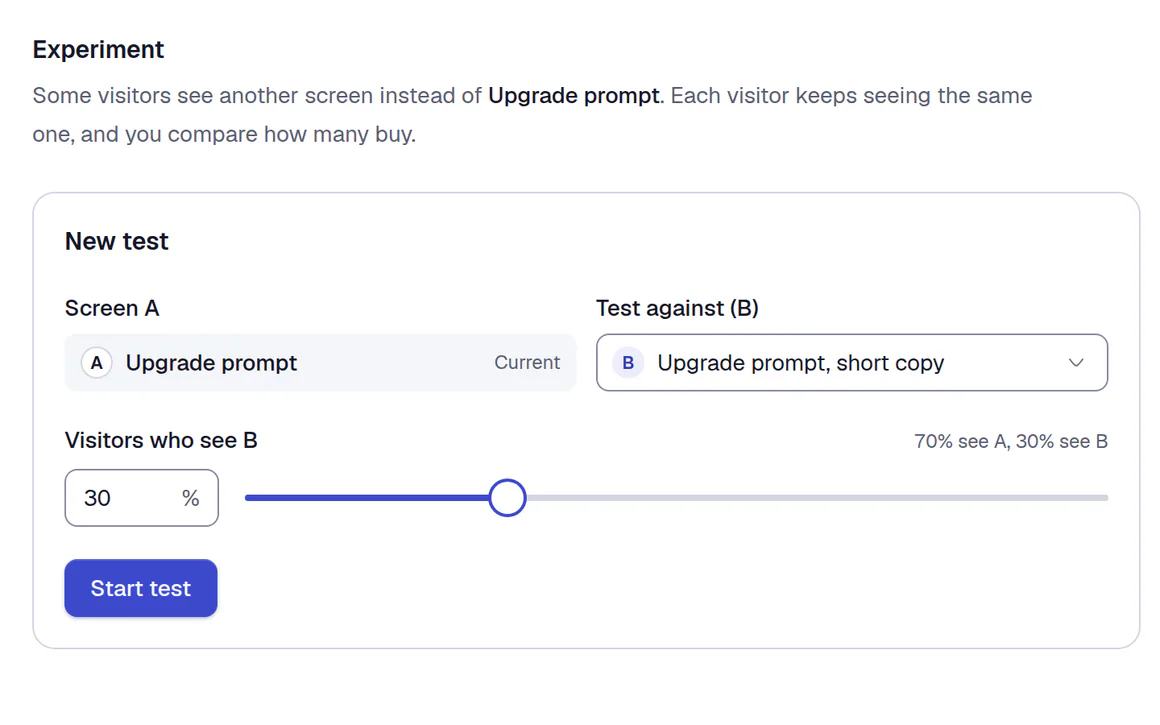
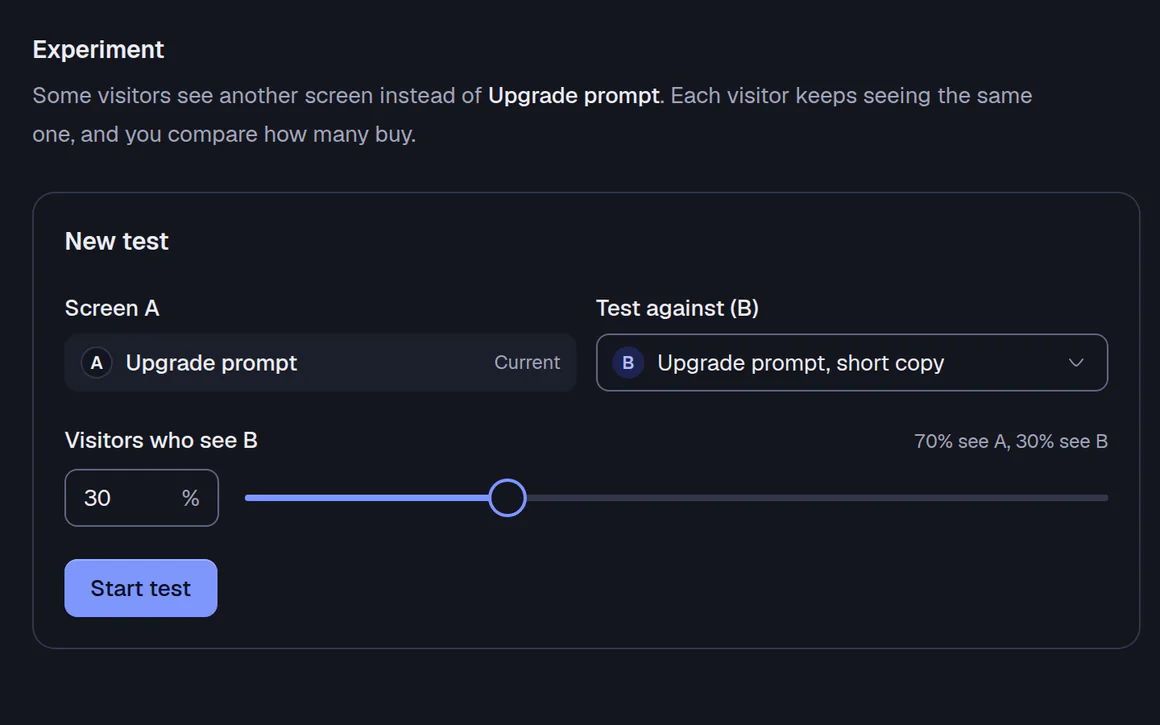
A/B tests
Indie and upSplit people between two versions of any screen and keep the winner. Each person always sees the same one.
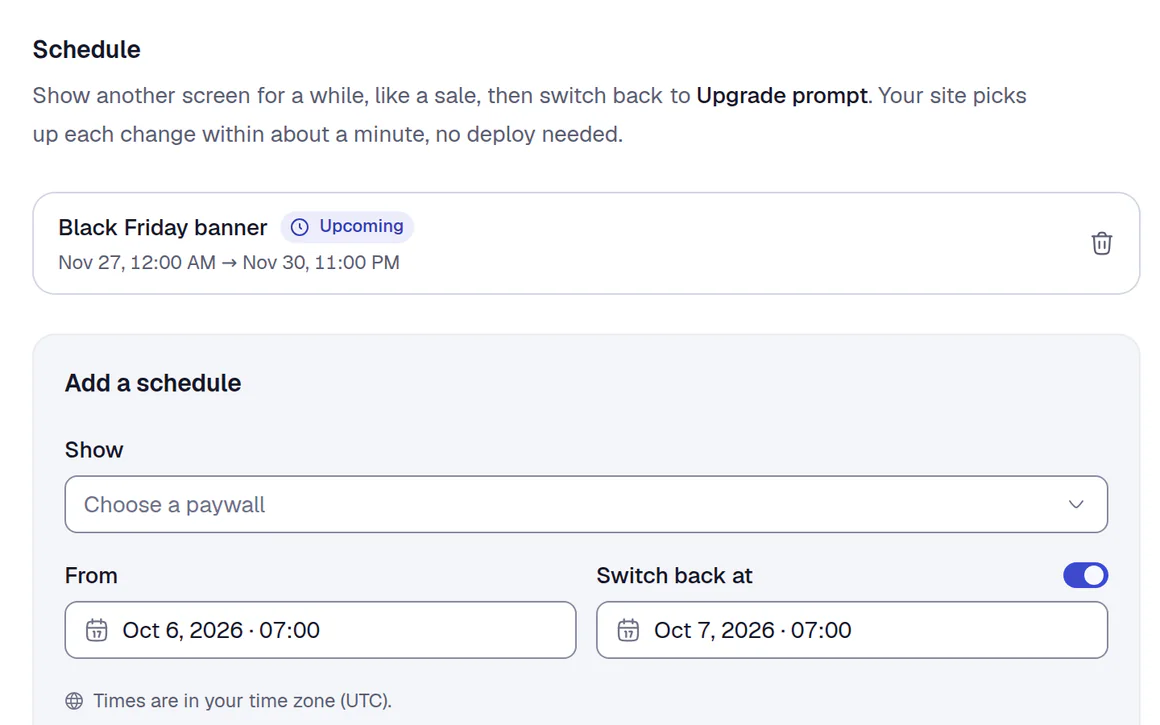
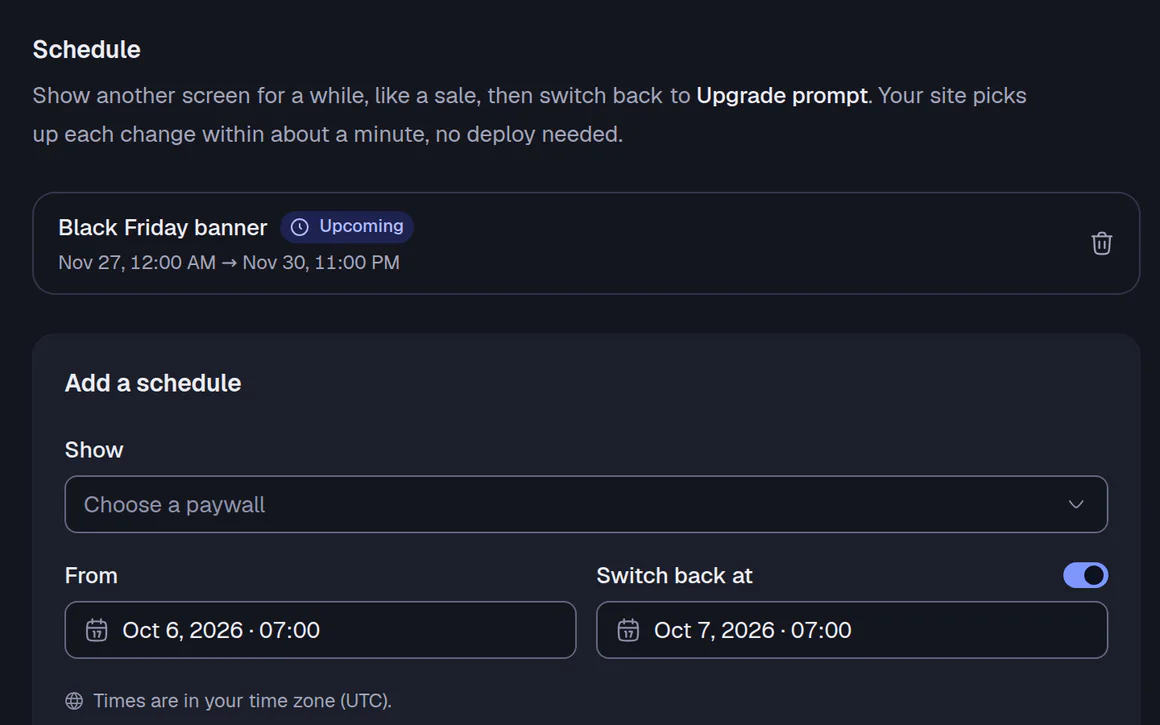
Scheduling
Indie and upRun a sale from Friday to Monday. It switches back on its own.
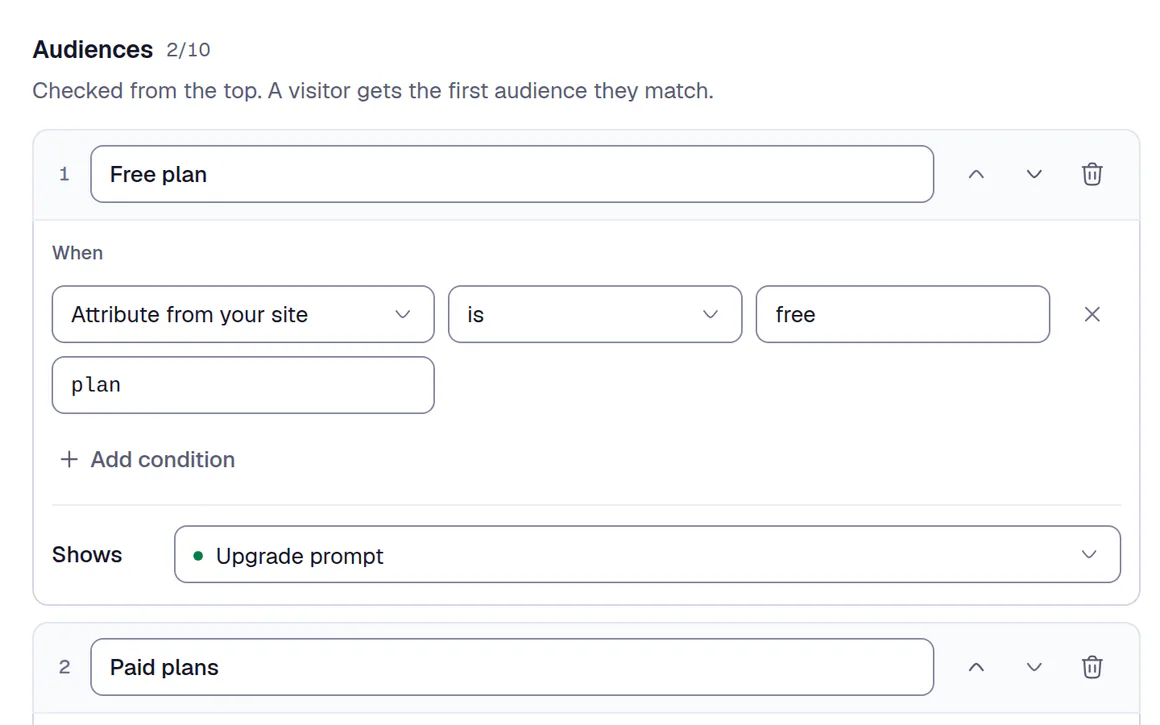
Audiences and holdout
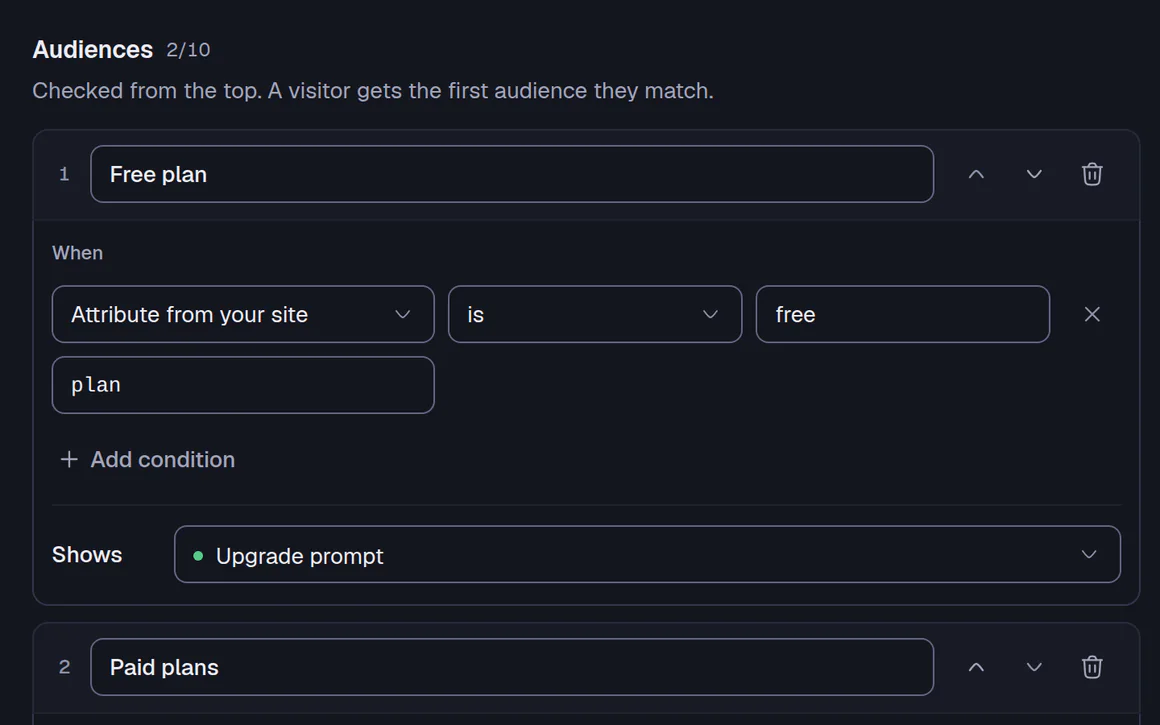
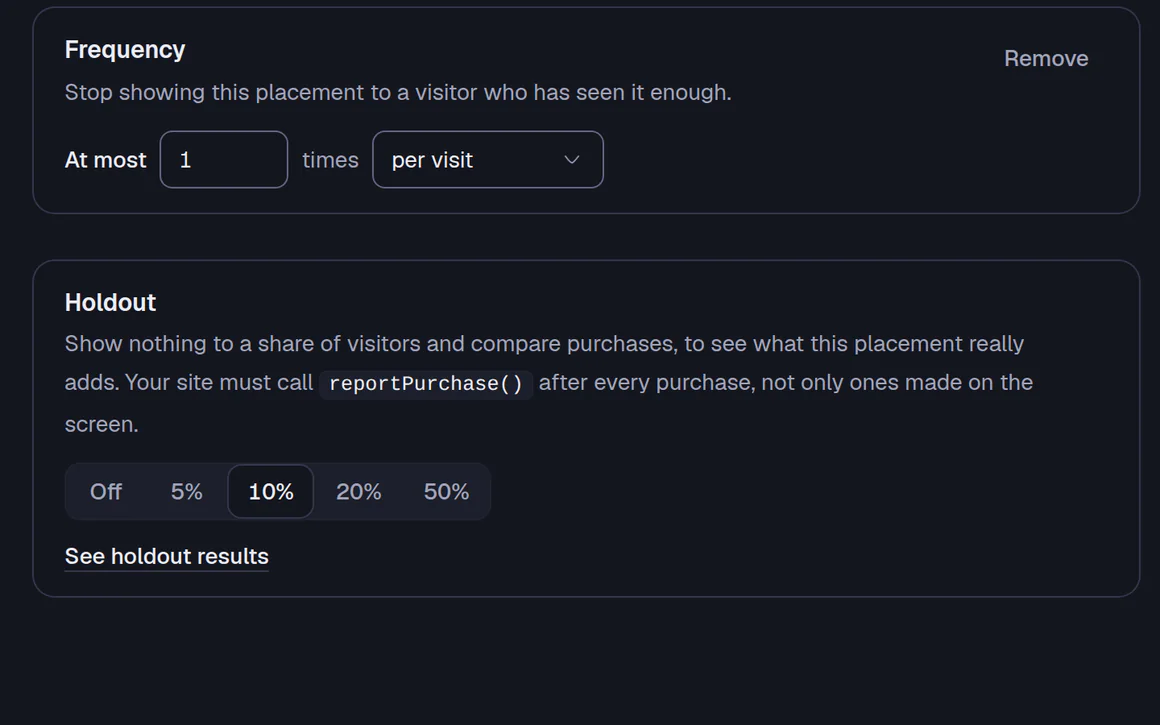
Pro and upShow a screen only to people who match attributes you set, and hold some back to see what it really changes. Attributes stay in the visitor's browser.
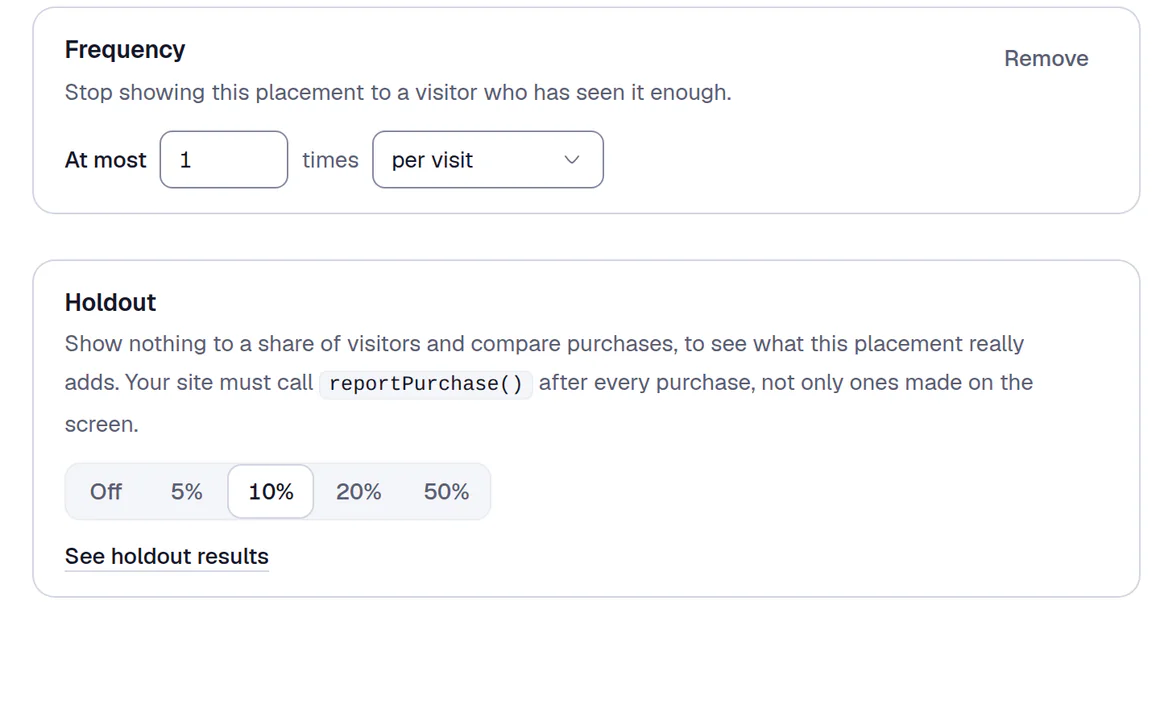
Frequency limits
All plansCap how often one person sees a screen, such as once per session, so banners don't flood your views.
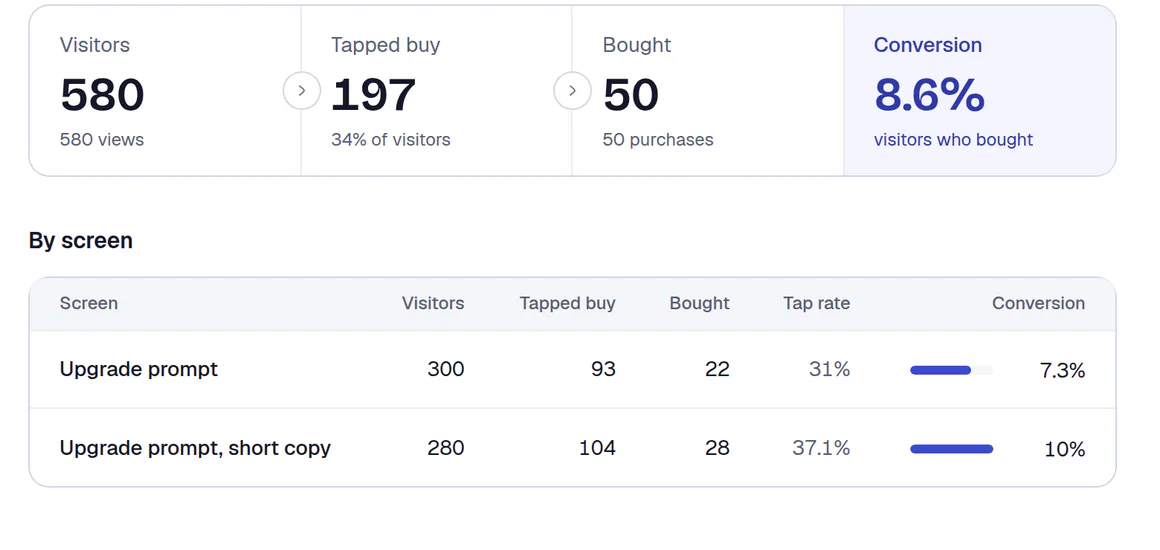
Analytics
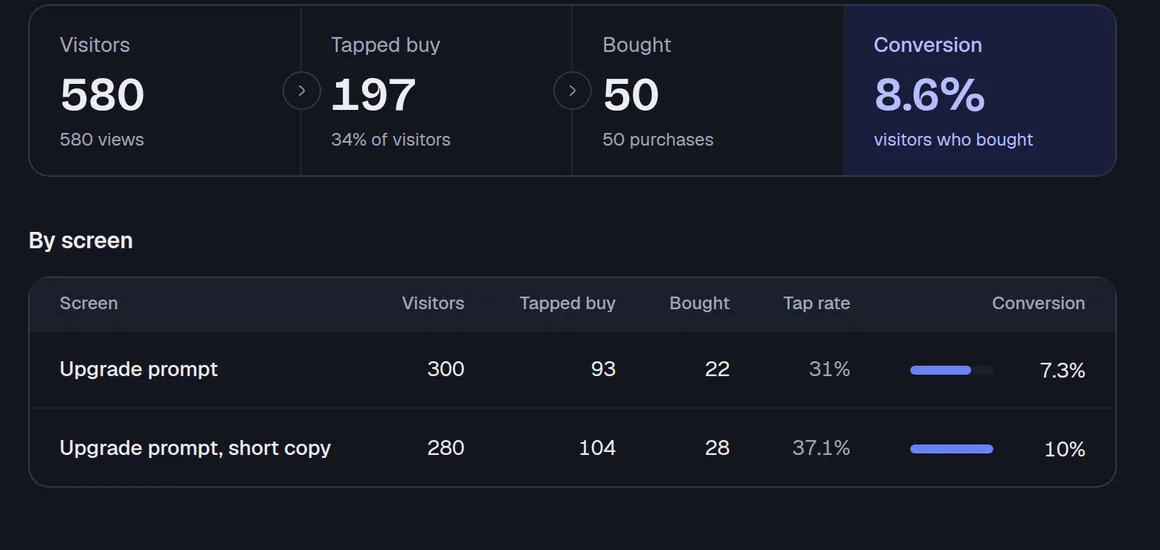
All plansViews, buy taps, purchases, button presses and answers, for every screen and every published version.
The numbers in the picture are sample data.
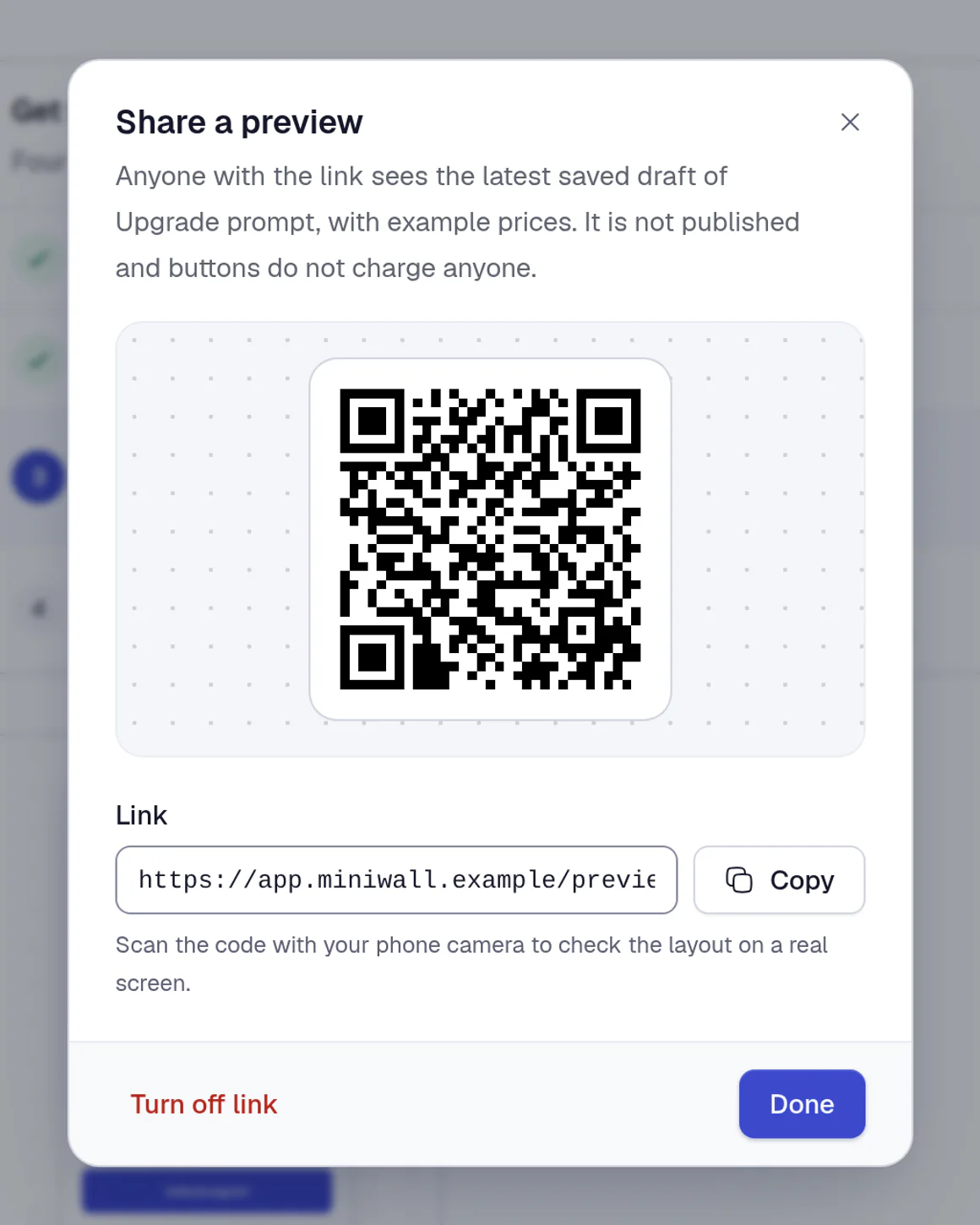
Preview on your phone
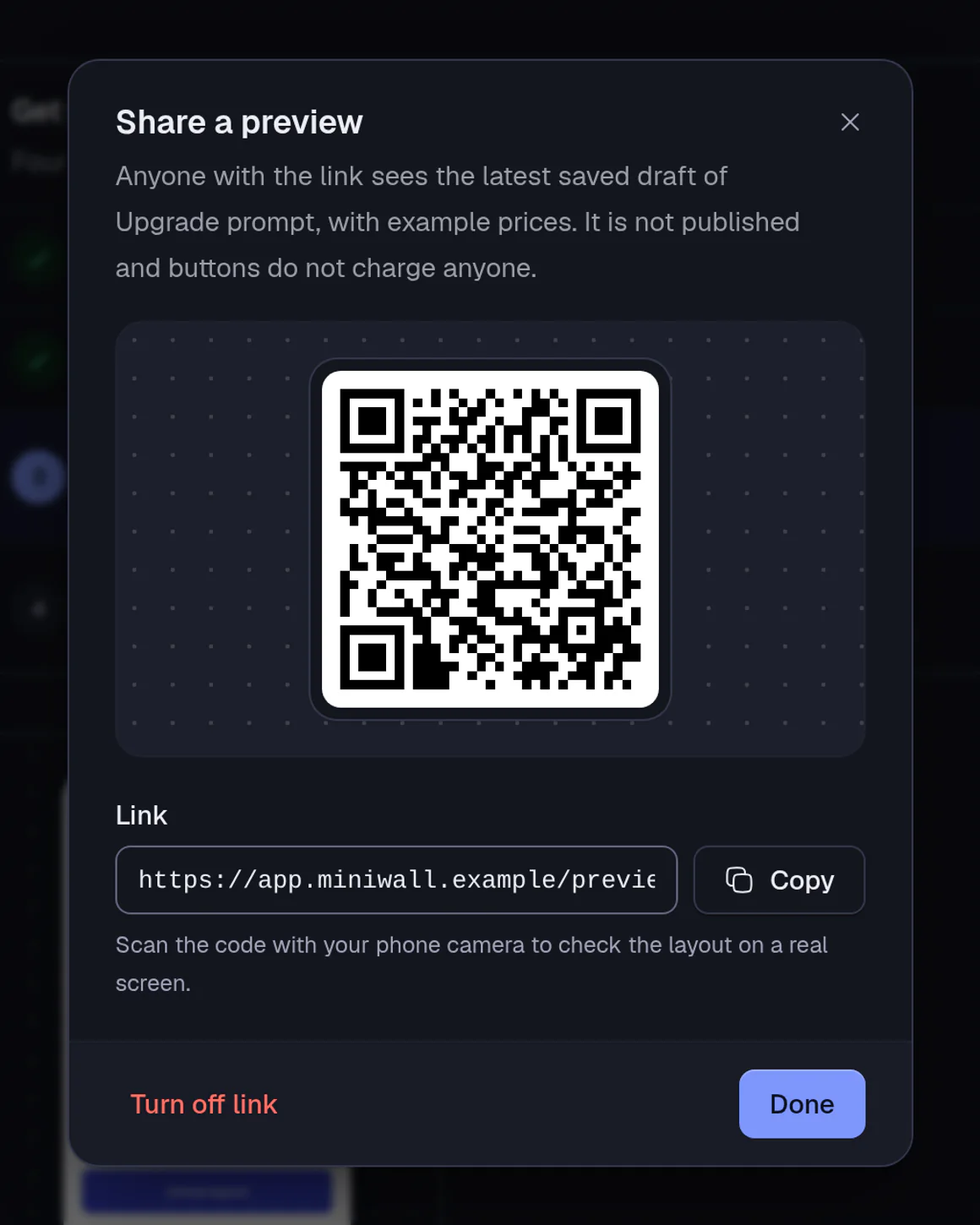
Indie and upShare a link or scan a QR code to check a draft on a real screen before it goes live.
Analytics are kept for 30 days on Free and Indie, 90 days on Pro and Team.
What we promise
Small on purpose, easy to trust
Miniwall draws screens. It doesn't touch your money, and it doesn't take your users' data.
Your checkout, untouched
We never handle money. Keep Stripe, Paddle, Lemon Squeezy or your own backend; the screen tells your code which plan was picked.
Attributes stay in the browser
Audience rules match in your visitor's browser. The attributes aren't sent to our servers, and text people type into a field goes to your code, never to us.
Screens never go dark
Go over your plan and your screens keep showing. Downgrade and nothing is deleted.
Works on phones too
Slide-ins become bottom sheets on small screens, and tap targets stay large enough to hit.
The math
Pay for screens shown, not for how big you get
Some tools charge by monthly active users. Others take a share of your revenue. Both cost more every time your product succeeds. Miniwall charges a flat monthly price for the screens you show, with no user count and no cut.
- Priced per user: grows with every sign-up.
- Priced by revenue: grows with every sale.
- Miniwall: changes only when you show more screens.
- Views a month
- 30K
- Your Miniwall plan
- Indie $12/mo
30K of 50K views in Indie. 20K more before Pro at $39 a month.
30K views a month fits the Indie plan at $12 a month.
Your price only changes when you pass a views limit, never because your user count grew. A view is one screen appearing, so a three-screen flow is three views. Plans also differ in features; see the plans below. Show more screens per person and your views go up too. We price what it costs to serve.
Start freePricing
Flat plans, priced by views
Not by users, not by revenue. Go over your plan and your screens keep working while we sort it out.
Paid plans open soon. For now, every account starts on Free and you can upgrade when they open.
Free
Ship your first screen.
$0/month
Free forever
10K views/month
- 1 project
- 1 team member
- Visual editor, templates, flows and questions
- Every screen type and format: popup, full screen, banner, slide-in
- Auto-triggers (page, delay, scroll, leaving) and frequency limits
- Placements: change screens without a deploy
- 30 days of analytics
- Community support
Indie
Test what sells.
$12/month
Billed monthly
50K views/month
- Everything in Free
- A/B tests
- Scheduling for sales
- Preview links and QR codes
- Recommended
Pro
Aim it and measure it.
$39/month
Billed monthly
1M views/month
- Everything in Indie
- Unlimited projects
- 3 team members
- Audiences and holdout
- Allowed websites for your key
- 90 days of analytics
Team
Several products, one team.
$99/month
Billed monthly
5M views/month
- Everything in Pro
- Unlimited team members
- Priority support
Custom
Over 5M views a month, self-hosting, an uptime commitment (SLA) or invoices: we agree a price that fits.
Self-hosting · Uptime commitment (SLA) · Invoices · Priority support
A view is one screen appearing on your site. Previews, and screens held back by frequency limits, audiences or holdout, don't count. Prices in US dollars, excluding tax.
FAQ
Questions, answered
Is this a product tour tool?
No. Miniwall doesn't do tooltips or tours pinned to elements on your page. It shows screens (popups, banners, slide-ins) at the moments people upgrade, stay or leave, and it understands plans and prices.
Do you process payments?
No. Miniwall draws the screen and tells your code which plan or button was tapped. Your existing checkout (Stripe, Paddle, Lemon Squeezy or your own backend) charges the customer, so there is nothing for us to take a cut of.
Where do the prices come from?
From you. Each plan card has an ID such as monthly or annual, and your site passes the price for each ID, for example straight from your Stripe prices. The screen fills in per-month prices, discounts and trial lengths.
What counts as a view, and what doesn't?
A view is one screen appearing on your site. A three-screen flow is three views, and opening a screen again counts again. Previews from the dashboard, preview links, screens held back by a frequency limit, audience rule or holdout, and screens that fail to load don't count. Plans reset each calendar month (UTC).
What happens if I go over my plan?
Your screens keep showing. We'll warn you in the dashboard at 80% and 100%, then give you 7 days. After that, paid features such as A/B tests, schedules and audiences will pause until next month or until you upgrade; your data stays. On Free, you won't be able to publish new versions or create placements after those 7 days, but everything already live keeps showing.
Do I lose anything if I downgrade?
No screen, placement or version will be deleted, and your default screens keep showing. When the change takes effect at the end of your billing period, running A/B tests will pause and show version A, schedules will stop applying, and audiences and holdouts will be skipped. It all stays saved and comes back if you upgrade. Analytics older than your new plan's window will be removed, and extra projects or members you already have stay usable but you can't add more.
Does it work on phones?
Yes, in the mobile browser. Slide-ins turn into bottom sheets on small screens. The one trigger that doesn't fire on touch screens is "about to leave", so use a delay or scroll there.
Are user attributes sent to your servers?
No. The attributes you set for audience rules stay in the visitor's browser and are matched there. What we receive are events such as screen viewed, buy tapped, purchase and button pressed, plus the preset option someone picked in a question. Text typed into a field goes to your code only.
When will native iOS and Android arrive?
There's no date. Today Miniwall runs on the web only, mobile browsers included. Native SDKs would read the same screens, and we'll build them once enough customers tell us they need them. If that's you, tell us.
Can I host it myself?
Self-hosting is part of the Custom plan. Talk to us about your setup.
What do I need to install it?
A script tag, a web component or the React package (safe for server rendering). Pass your prices and an onPurchase handler, and your checkout does the rest.
Stop waiting on a release
Pick a template, publish it, add one tag. Free up to 10,000 views a month, no card needed.
Tue
Live
Thu
ReleaseNo release needed